
Productivity Techniques: Uncover Competitor Sales via Website Changes
Website changes are a goldmine of competitive intelligence, often revealing shifts in sales strategy before official announcements. When a competitor updates product pages, adds case studies, or tweaks pricing, they signal where their sales team is focusing next. For instance, a new “Enterprise” tier suggests they’re targeting larger accounts, while fresh testimonials from specific industries indicate vertical-specific outreach.
Manually monitoring these changes is time-consuming and unreliable. Instead, use automated tools (e.g., Visualping, Wachete) to track specific pages and receive alerts on modifications. This saves hours of manual research and ensures you never miss a strategic pivot.
📊 Quick Guide: Website Change Signals & What They Mean for Sales
| Change Type | Example | Sales Implication |
|---|---|---|
| Pricing page update | New “Enterprise” tier added | Shifting focus to larger accounts; opportunity to counter-price |
| Feature page overhaul | “Docless Verification” introduced | Expanding solution capabilities; new buyer persona emerging |
| Language/locale additions | 48 → 50 languages | Geographic expansion; new market entry imminent |
| Temporary campaign sections | “World Cup Top Ads Leaderboard” | Timed go-to-market push; align your campaigns around gaps |
| Case study rotation | Heavy focus on fintech logos | Vertically concentrated sales effort; cross-sell in other verticals |
Practical steps:
- Identify key pages: Focus on pricing, features, case studies, and “About us.”
- Set up alerts: Use change-detection tools to monitor these URLs weekly.
- Categorize changes: Note whether updates relate to product features (e.g., new integrations) or sales targeting (e.g., industry-specific landing pages).
- Correlate with your strategy: Ask: “Does this new feature target a segment we’re neglecting? Should we adjust our messaging?”
Remember: Product and feature updates directly correlate with sales targeting. A competitor adding a “For Startups” page means they’re hunting in your early-stage territory. Act on these signals to stay ahead.
🚀 Detecting Product and Feature Expansion
Product page changes often betray a competitor’s next move. When copy is refined or new capabilities appear, it’s a direct window into their product roadmap and sales priorities. Even subtle numeric adjustments—like changing “250+ markets” to “240+ regions actively processed”—can signal a strategic refinement of their geographic positioning or a shift in the language they use to attract a different buyer persona.
Consider this recent real-world example from Shufti:
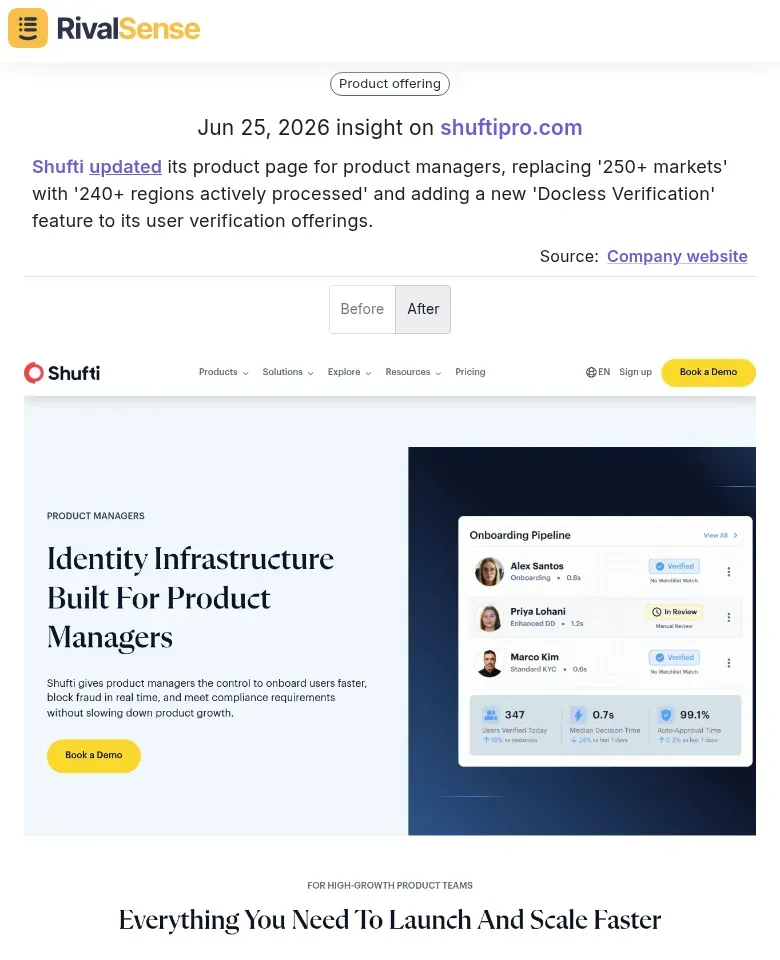
Shufti updated its product page for product managers, replacing “250+ markets” with “240+ regions actively processed” and adding a new “Docless Verification” feature to its user verification offerings. Monitoring such granular changes reveals when a competitor is narrowing its focus or launching new capabilities—knowledge you can use to outmaneuver them in deals.
Action step: Create a “Feature Launch Tracker” spreadsheet. Log the new feature name, launch date, and target persona (gleaned from accompanying copy). Watch for metric shifts: changing “250+ markets” to “240+ regions” refines geographic positioning, often preceding a go-to-market pivot.
Pro tip: Use Visualping or Distill.io to monitor specific product pages. Set alerts for keywords like “new,” “beta,” or “now available.” Additionally, page restructuring for specific personas (e.g., adding a “For Enterprise” tab) reveals new buyer segments.
✅ Checklist:
- ✅ Snapshot key pages weekly
- ✅ Note URL changes
- ✅ Compare persona-specific messaging
- ✅ Cross-reference signals with job postings to validate hiring in those areas
These insights let you anticipate competitive features before they hit the market and adjust your own roadmap or counter-messaging accordingly.
🌐 Spotting Localization and Internationalization Moves
When a competitor expands its language support, it’s an unambiguous signal of geographic ambition. Adding even two new languages can point to a fresh market entry or a doubling down in a region where they already maintain a presence. Tools like Wappalyzer or BuiltWith help track such additions automatically.
Real example: Veriff recently expanded its language support from 48 to 50 languages and dialects.
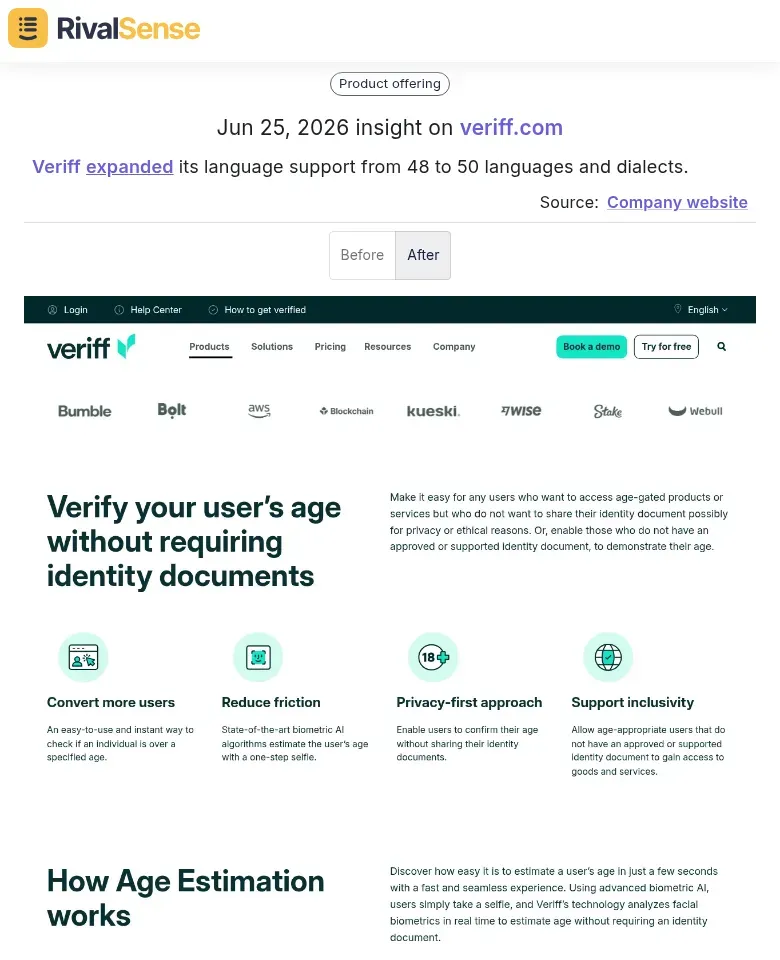
This kind of insight tells you which markets are becoming a priority for your competitor, giving you a chance to adjust your own local market plans or to pre-position your solution before they can establish a foothold.
Regional coverage adjustments—such as adding .de or .jp subdirectories—further indicate where they’re doubling down.
Checklist:
- ✅ Monitor new country-specific pages (use Wayback Machine for historical snapshots)
- ✅ Check for local currency and payment options
- ✅ Look for region-specific case studies or testimonials
Localized content—blog posts in Spanish or support docs in French—shows readiness to serve new markets. Action step: Compare their current locale pages month-over-month. If you spot a new Spanish pricing page, they’re likely targeting Latin America. This intelligence lets you preemptively adjust your own go-to-market strategy.
Pro tip: Combine these signals with job postings for regional sales reps or partnerships. A new localization push + local hiring = imminent market entry.
🏆 Uncovering Marketing Campaign and Event Alignment
Targeted campaigns tied to large events are easy to spot when you know what to look for. Competitors will often launch event-specific sections weeks before a major occasion, giving you ample time to craft a competitive response.
EDO provided a perfect example when they added a “World Cup Top Ads Leaderboard” section and updated their top ads navigation to include “FIFA World Cup™ 2026 Top Ads.”

This kind of reveal tells you not only that a competitor is betting on event-driven traffic, but also the exact theme they’re using—a critical input for your own campaign planning. If they’re focusing on World Cup ads, you might decide to pivot to a complementary angle or target a different event altogether.
Actionable Steps:
- Use a change detection tool to track your top 5 competitors’ nav bar and homepage.
- Flag new sections that reference events (sports, holidays, industry conferences).
- Correlate with sales data: Did they add a “Summer Sale” banner? Expect aggressive pricing.
- Analyze trend-driven content: If they suddenly feature AI tools or sustainability, they’re capturing audience attention on those topics.
Pro Tip: Create a shared spreadsheet with columns for competitor, event name, launch date, and campaign theme. Review weekly to spot shifts early. This alignment reveals which market trends they’re betting on—and where you should adjust your strategy.
💰 Turning Insights into Sales and Strategy Moves
Tracking website changes is only valuable if you act on them. Here’s how to convert competitor moves into revenue:
1. Prioritize Outreach to Affected Prospects
When a competitor adds a feature, removes a pricing page, or loses a case study, their customers notice. Use monitoring tools to detect these changes, then cross-reference with your CRM to identify prospects evaluating that competitor. Contact them immediately—timing matters. Example: Competitor removes a key integration page? Reach out to users searching for that integration with your solution.
2. Tailor Messaging Around Weaknesses
Each change reveals a gap. If they increase prices, emphasize your value retention. If they pivot focus (e.g., from SMB to enterprise), craft messaging for their abandoned segment. Use specific language: “While [Competitor] now prioritizes large accounts, we remain committed to mid-market teams needing personalized support.”
3. Time Sales Sequences to Relevance
Align outbound sequences with competitor news. If they announce a product launch, wait 48 hours, then send a “noise-free” alternative pitch. If they’re down (e.g., an outage or bad review), immediately trigger a value comparison email.
Checklist:
- ✅ Set alerts for specific page changes (pricing, features, jobs)
- ✅ Segment prospects by competitor dependency
- ✅ Auto-enroll contacts in sequences tied to change types
Pro Tip: Create a competitive playbook with templated responses for common changes. This reduces response time from days to minutes, giving you a first-mover advantage.
By systematically converting insights into actions, you transform website monitoring from a passive activity into a repeatable revenue engine.
🔁 Conclusion: Building a Systematic Monitoring Process
Turning sporadic insights into a consistent competitive advantage requires a repeatable loop. Start by deploying automated website change detection across competitor pages daily. Set up alerts for key triggers: pricing updates, new case studies, team expansions, or API documentation changes. Next, create a centralized log—simple spreadsheet or CRM notes—with categories like “Pricing,” “Product Features,” “Customer Wins.” Tag each insight with the potential sales angle and urgency level. At weekly team stand-ups, review logged changes and decide which to act on. When one monitoring-driven win closes a deal, document the exact trigger and response. Use those successes to refine your alert filters and prioritize high-impact signals. For example, a competitor’s new enterprise client logo might prompt you to target that account’s competitors.
Finally, iterate: double down on categories that yield sales wins, and drop those that don’t. Automate, log, act, learn—repeat. This loop transforms raw data into a durable revenue engine.
Ready to stop manually tracking competitor websites? Try RivalSense for free at https://rivalsense.co/ to get your first automated competitor report today. It monitors pricing updates, product launches, event participation, management changes, and media mentions—all delivered in a weekly email so you never miss a strategic move.
📚 Read more
👉 Genomics Competitor Research: 5 Methods to Stay Ahead
👉 How Competitor Branding Insights Shape Market Entry Trends
👉 How to Turn a Competitor’s Feature Tease into Your Next Win
👉 Key Account Tracking Cost: How to Measure, Monitor, and Protect Margins
👉 Trend Analysis: Competitor Matrix Benefits in Pharma Logistics