
Free Key Account Management Software Trial: Unlock Growth for B2B Service Businesses
Managing B2B contracts, recurring orders, and multiple locations makes service businesses uniquely challenging. Without dedicated tools, you risk missed renewals, inconsistent service levels, and scattered client communication. Key Account Management (KAM) software solves this by centralizing contract tracking, automating renewal reminders, and standardizing service level agreements (SLAs) across all accounts. For example, you can set automated alerts 30 days before a contract expires, ensuring no revenue slips through the cracks. The software also consolidates client communication—from order changes to complaint resolution—into a single dashboard, saving hours of manual follow-up.
Practical tip: Start by mapping your top 10 accounts; list their contract end dates, SLA terms, and key contacts. Then use KAM software to create a renewal calendar and automated checklists for quarterly business reviews. Our free trial gives you full access for 14 days—no credit card required. You'll see firsthand how streamlined workflows reduce administrative overhead and improve client retention.
Checklist for your trial:
- Import existing contracts
- Set up renewal reminders
- Customize SLA templates
- Assign account managers to key clients
Don't let fragmented processes hold your business back—try KAM software risk-free today.
Top Features to Look for in a Key Account Management Tool for B2B Services
When evaluating a key account management tool for your service business, prioritize features that streamline operations and enhance client relationships. Order and contract management is essential—look for tools that track recurring service cycles, pickups, and deliveries, with automated scheduling and reminders. This ensures no cycle is missed and contracts are fulfilled accurately. Client portal and communication tools are equally critical. A dedicated portal allows clients to place orders, view real-time updates on service status, and raise issues directly. Integrated messaging or ticketing systems enable swift resolution, boosting satisfaction. Analytics and reporting capabilities help you monitor account profitability, identify churn risks, and measure service performance. Key metrics to track include revenue per account, service timeliness, and complaint resolution time.
Pro tip: Create a checklist with must-have features like automated billing, multi-location support, and mobile access. During trials, test the tool with a sample account to see how it handles a full cycle—from order to delivery to reporting. Also, check for integration with your existing accounting or ERP software. Finally, prioritize tools that offer customizable dashboards so you can focus on the KPIs that matter most to your business.
How a Free Trial Helps You Evaluate Fit for Your Service Business
A free trial lets you evaluate whether a Key Account Management (KAM) tool truly fits your business before committing. Here’s how to make the most of it.
1. Assess Ease of Use for Your Team
- Onboarding: Check if the setup wizard guides you step-by-step. For example, can you import your existing client list (CSV/Excel) in under 10 minutes?
- Mobile Access: Have a team member test the mobile app on-site—logging a contract change or viewing a client’s SLA while on the floor.
- Integration: Verify it syncs with your accounting software (e.g., QuickBooks) or CRM. If not, ask about API options.
2. Test Key Workflows
- Contract Creation: Create a sample contract for a key client. Does it auto-populate pricing tiers based on service volume?
- Automated Billing: Run a mock invoice cycle. Does it calculate discounts for high-volume clients correctly?
- SLA Monitoring: Set up a test SLA (e.g., 4-hour turnaround). Trigger a delay alert—does the system notify your team in real time?
3. Measure ROI
- Track time spent on account management during the trial vs. your manual process. Use a simple log:
- Before: 5 hours/week on billing follow-ups.
- After: 1 hour/week with automated reminders.
- Multiply hours saved by your team’s hourly rate to estimate monthly savings.
Pro Tip: Create a scorecard for each criterion (ease of use, workflow accuracy, time saved) and rate the tool after two weeks. Share results with your team before deciding.
Step‑by‑Step Guide to Starting Your Free Trial
1. Identify Pain Points & Define Success Criteria
Before trialing any software, audit your current account management process. Common pain points for service businesses include: lost customer records, missed follow-ups, fragmented communication across locations, and difficulty tracking contract renewals. Write down your top 3 frustrations and define what success looks like. For example: “Reduce time spent on manual data entry by 50%” or “Increase contract renewal rate by 20%.” This clarity will guide your evaluation.
2. Select the Right Vendor
Not all Key Account Management (KAM) tools are built for service businesses. Look for vendors that offer: location-based account segmentation, service history tracking, contract management with automatic renewal alerts, and integrations with service-specific billing systems. Request a demo and ask how they handle multi-location accounts (e.g., hotels, hospitals, corporate offices). Shortlist 2–3 vendors that match your specific needs.
3. Set Up the Trial & Train Your Team
Once you’ve chosen a vendor, set up your trial account. Import sample data: top 10 accounts, their service schedules, and recent interactions. Use dummy data if needed. Assign trial licenses to key team members (sales, account managers, operations). Schedule a 30-minute training session focused on the features that address your pain points. Create a simple checklist for your team to test over the trial period: log a call, update a contract, run a renewal report. At the end of the trial, compare results against your success criteria to make an informed decision.
Leverage Competitor Insights to Strengthen Account Management
Knowing what your competitors are doing can give you an edge in retaining and growing your key accounts. By monitoring competitor moves—like product launches, pricing changes, or messaging shifts—you can anticipate market trends, adjust your value proposition, and proactively address client concerns. Here are real examples from RivalSense that show why this matters:
Example 1: Customer Growth and Messaging Shifts
Notabene now serves 280+ customers, up from 250+, and has repositioned its messaging from 'Identify and stop illicit activity before it occurs' to 'Identify and stop high-risk activity before it occurs', while adding new sections on Solutions, Use Cases, and Featured content.
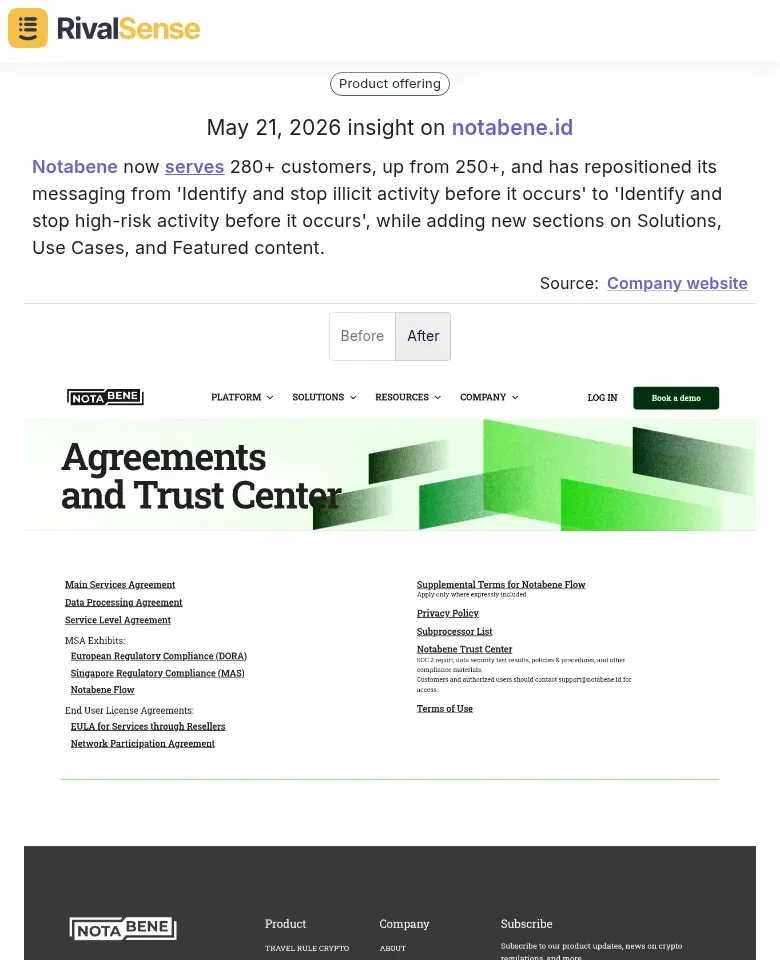
Why this matters: Tracking a competitor's customer growth and messaging change reveals their target market expansion and positioning strategy. You can use this to refine your own messaging for key accounts—for instance, if they shift toward “high-risk,” you might emphasize your own risk mitigation capabilities to retain clients.
Example 2: Product Expansion and New Verticals
Shufti added new product offerings including QES, Fraud Hub, Workforce IAM, Candidate Verification, and expanded industry coverage to Payments, Ride Hailing, and Adult Content, while restructuring its solutions around Onboarding, Ongoing Monitoring, and Business Outcomes.
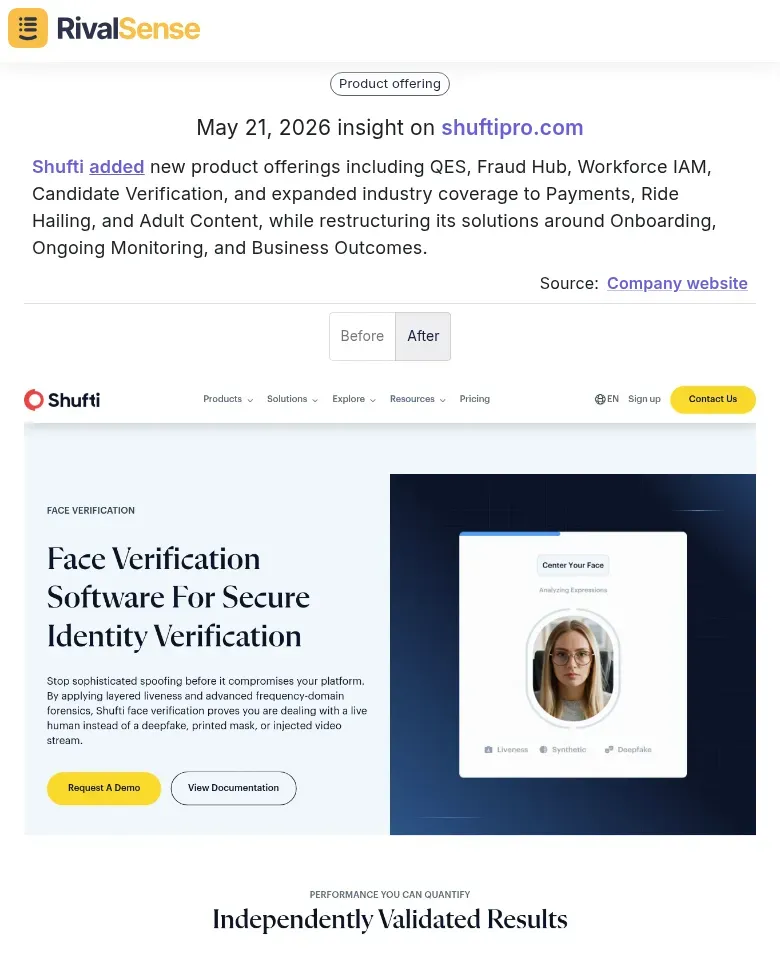
Why this matters: When a competitor launches new products or enters new industries, it may signal opportunities for you to upsell or cross-sell to your existing accounts. Alternatively, it could indicate a threat if your key clients are tempted by those new offerings. Stay ahead by monitoring such changes and proactively reinforcing your value.
Example 3: Thought Leadership and Market Signals
Sprout Social published a manifesto arguing that social media is becoming the most important signal in business.
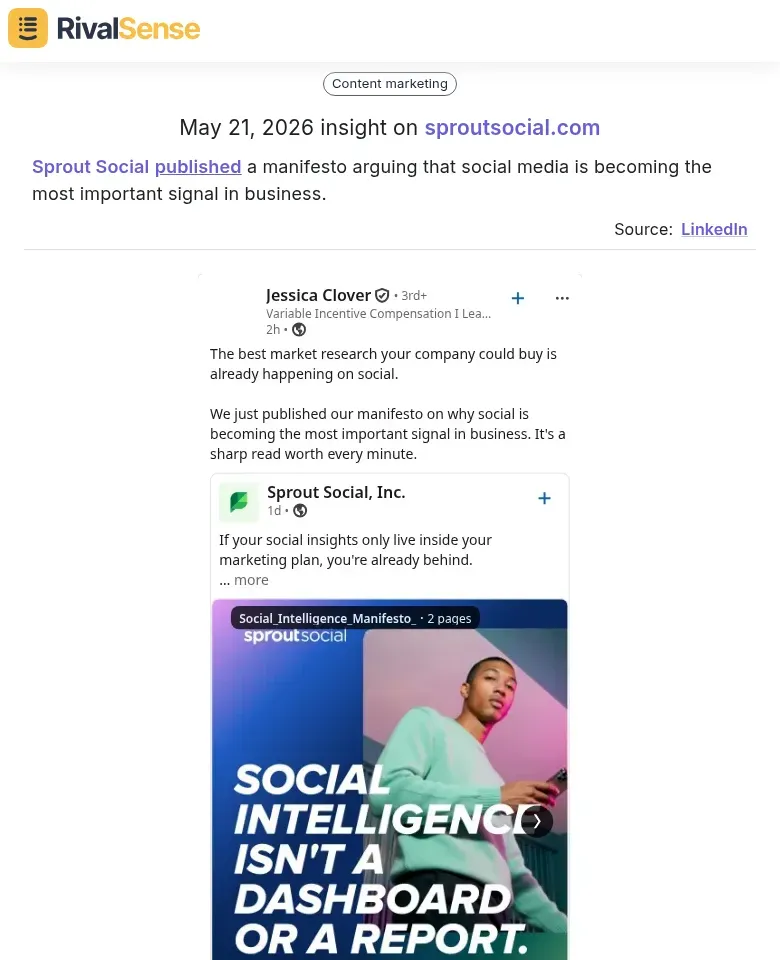
Why this matters: Competitor thought leadership can shape industry perceptions. If a key competitor declares social media as a critical business signal, your clients may start expecting similar insights from you. Use this to inform your own account management strategy—for example, by incorporating social listening into your client reporting.
Integrating competitor intelligence into your KAM workflow helps you make data-driven decisions and stay one step ahead. Start tracking your competitors today.
Real‑World Benefits: Service Businesses That Transformed Their Account Management
Case Study: Multi‑Location Service Provider Cuts Churn by 20%
A regional service chain with 12 locations struggled with inconsistent client follow‑up and manual contract tracking. After implementing a Key Account Management (KAM) software, they achieved a 20% reduction in churn within six months. How? By automating renewal reminders and using dashboards to identify at‑risk accounts early.
Key Improvements
- Automated Renewal Reminders: Set up email and SMS alerts 30, 60, and 90 days before contract expiry. This proactive approach boosted renewal rates by 35%.
- Data‑Driven Insights: Track metrics like service frequency, payment history, and support tickets. Use this data to tailor offers—e.g., discount bundles for high‑volume clients.
- Faster Response Times: Centralized client communication reduced average response time from 4 hours to 30 minutes, increasing satisfaction scores by 25%.
Practical Steps to Transform Your Account Management
- Audit Your Current Process: List all touchpoints (renewals, complaints, upsells). Identify gaps like missed follow‑ups.
- Choose KAM Software with Automation: Look for features like contract expiry alerts, customizable reporting, and client portals.
- Train Your Team: Run a 1‑hour workshop on using dashboards to prioritize high‑value accounts.
- Set KPIs: Track churn rate, renewal rate, and average response time monthly.
- Iterate: Review data quarterly to refine your approach—e.g., adjust reminder timing based on client feedback.
Pro Tip: Start with a 14‑day free trial of a KAM tool. Map your top 10 clients and test automated workflows. You’ll see immediate wins in efficiency and client happiness.
Conclusion: Take the Next Step with a Free Trial
In conclusion, adopting a Key Account Management (KAM) software tailored for B2B service businesses unlocks three critical advantages: efficiency (automate manual tasks like order tracking and invoicing), retention (proactively manage client relationships with alerts and history logs), and growth (identify upsell opportunities and streamline contract renewals). These tools transform how you handle high-value accounts, ensuring no detail slips through the cracks.
Ready to see it in action? Start your free trial today—no credit card required. During the trial, explore these key capabilities:
- Dashboard customization to monitor your top 20 accounts at a glance.
- Automated follow-up reminders for contract renewals or service reviews.
- Reporting features to track account health and revenue trends.
Pro tip: Use the first week to map your existing account data into the system. Then, schedule a personalized demo with our team—we’ll walk you through advanced features like predictive analytics and integration with your current CRM.
To stay ahead of competitors and make smarter account management decisions, try RivalSense for free. Get your first competitor report today and see how easy it is to monitor product launches, pricing changes, partnerships, and more across your industry.
📚 Read more
👉 How Revolut's $120M NZ Expansion Alerted a Rival to Act
👉 Unlock Competitor Insights from Instagram to Boost Key Account ROI
👉 Key Account Tracking Framework for Travel Industry Growth
👉 Track Competitor Financials & M&A to Boost Customer Satisfaction