
Quick Hacks: Spot Competitor Innovation in AI Coding Tools
AI coding tools are evolving at breakneck speed—new models, features, and integrations launch weekly. For B2B leaders, this rapid pace makes competitor tracking not just useful, but essential for strategic survival. Innovation signals like new autocomplete capabilities, refactoring assistants, or multi-language support reveal shifts in product strategy, UX priorities, and technology partnerships. By systematically monitoring these signals, you can anticipate market moves before they become mainstream and differentiate your own offering.
Practical tip: Set up a weekly scan of competitor changelogs, launch posts, and developer community discussions (e.g., Reddit, Hacker News). Look for patterns—e.g., three competitors adding context-aware suggestions in one quarter signals a UX pivot. Use a simple spreadsheet to log: feature name, launch date, target user segment, and implied strategic bet. Over time, these patterns will highlight white spaces and emerging standards you can act on.
Section 1: Reading Between Version Numbers – What Incremental Releases Reveal
When an AI coding tool jumps from version 3.0 to 3.11, most users glance at the changelog and move on. But minor version bumps often pack major strategic signals. For example, Cursor released version 3.11 on July 10, 2026, introducing Side Chats and Conversation Search.
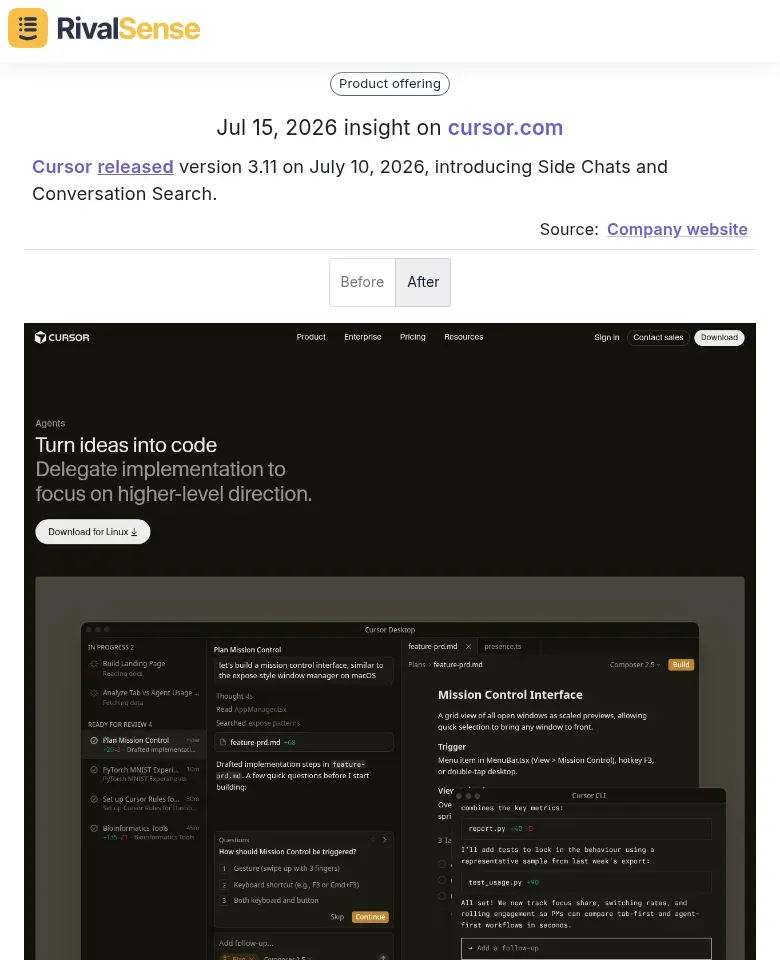
Why this matters: A product update like this reveals a competitor’s focus on multitasking (Side Chats) and knowledge management (Conversation Search). Tracking new feature launches gives you early warning of emerging UX standards and lets you adjust your own roadmap before these become table stakes.
Tip 1: Watch for UX overhauls in minor releases.
A jump like 3.0 → 3.11 typically means significant feature additions, not just bug fixes. The introduction of Side Chats suggests the competitor is prioritizing multitasking and workflow efficiency—a signal they see developer context-switching as a pain point.
Tip 2: Search for retrieval-focused features.
If a release adds Conversation Search or similar, the competitor is investing in knowledge management. This hints they aim to become the memory layer for development teams.
Quick Checklist to Analyze a Minor Version Bump:
- [ ] Scan the changelog for UX/UI changes (e.g., new panels, layouts).
- [ ] Identify features that reduce context-switching (e.g., side panels, inline assistance).
- [ ] Check for search or history enhancements—these indicate a knowledge management bet.
- [ ] Compare the pace of minor releases vs. competitors; faster minor bumps often mean tighter feedback loops.
Action Step: Set up alerts for minor version releases of top 3 competing AI coding tools. When a new minor version drops, spend 15 minutes testing the new features and infer the strategic direction.
Section 2: Platform Expansion as a Competitive Signal
When an AI coding tool suddenly expands beyond its core platform—launching cloud agents for browser, desktop, and mobile—it’s a clear signal of ambition to embed AI across all user touchpoints. One concrete case: Cursor launched Cloud Agents, enabling users to run autonomous AI agents from browser, desktop, or mobile, and to delegate tasks via Slack and Microsoft Teams.
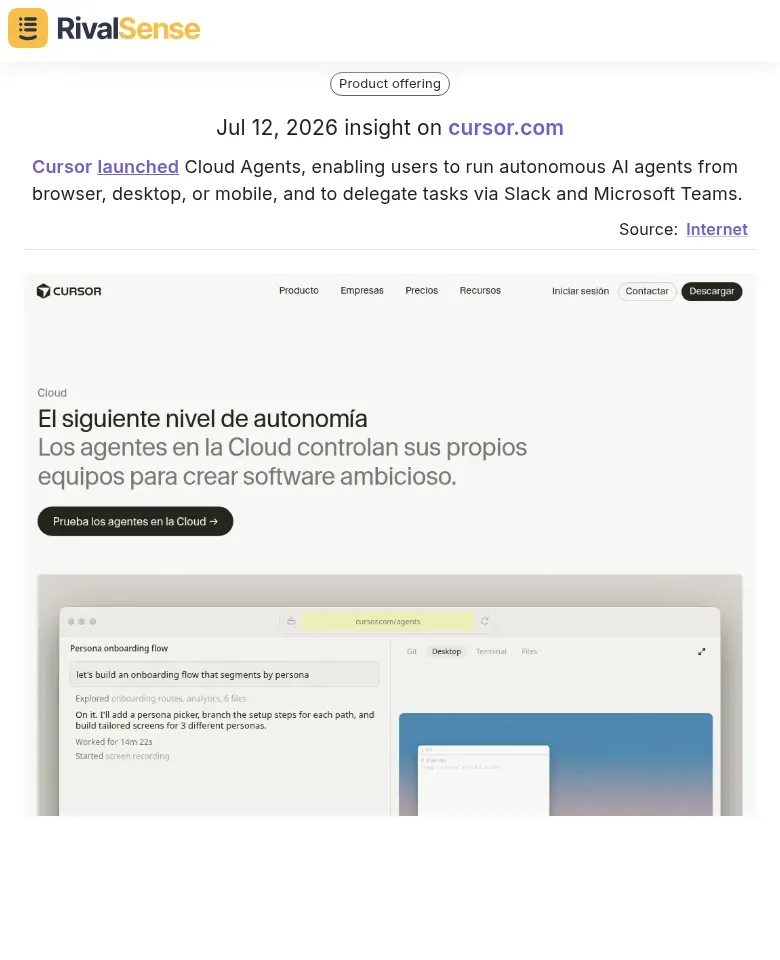
Why this matters: Monitoring platform expansion tells you whether a competitor is evolving from a single-IDE tool into an everywhere-infrastructure layer. Multi-platform availability lowers barriers to entry and often precedes aggressive enterprise sales plays—a critical signal for your own positioning.
Quick Checklist to Monitor Platform Expansion:
- [ ] Track new platform launches (browser extensions, desktop apps, mobile SDKs) via product blogs and changelogs.
- [ ] Note collaboration integrations (Slack, Teams, Jira) that signal a shift from individual productivity to team-wide adoption.
- [ ] Assess pricing changes for multi-platform plans—lower per-seat rates often aim to grow total addressable market.
Why this matters: Multi-platform availability lowers barriers to entry (devs can use the tool anywhere) and signals a long-term strategy to become an infrastructure layer, not just a code assistant. If your competitor moves from a single IDE plugin to a cross-platform agent, expect them to chase your enterprise customers next.
Tip: Set up Google Alerts for “[competitor name] launches on [new platform]” and monitor their integrations page monthly. A Slack integration often precedes a full team plan rollout.
Section 3: Technology Stack Changes – Model Provider Switches and Updates
When a competitor switches model providers—say, from xAI to SpaceXAI—or updates version numbers like Grok 4.5, it’s a strong signal they’re chasing better performance, cost savings, or exclusive features. For instance, Cursor now offers models from SpaceXAI instead of xAI, and updated model version numbers (e.g., Grok 4.5).
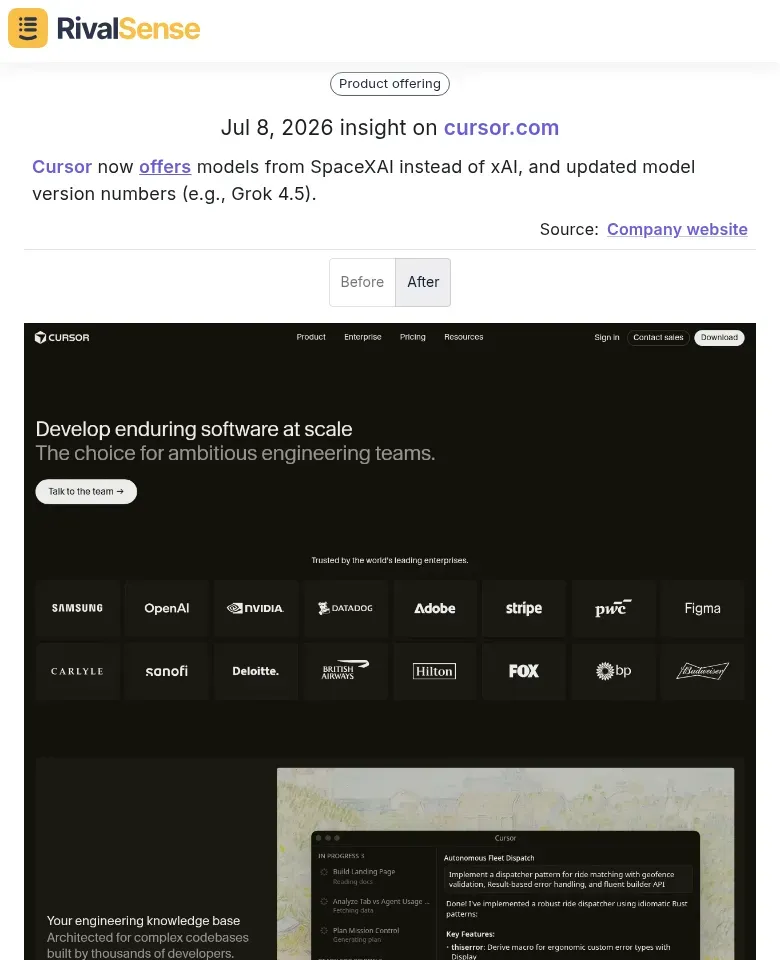
Why this matters: Technology stack changes directly impact output quality, latency, and pricing, which in turn affect user experience. Spotting a provider switch gives you a head start to benchmark the new model and anticipate competitor repositioning.
How to track and act:
- Monitor changelogs and release notes. Set up alerts for terms like "model update," "provider switch," or specific version numbers.
- Use browser-based diff tools to compare old vs. new API responses. Look for shifts in verbosity, accuracy, or speed.
- Check pricing pages weekly. A provider switch often comes with adjusted per-token costs or subscription tiers.
- Test latency yourself. Run identical prompts before and after an update—track response times over 5–10 samples.
- Build a simple checklist for each detected change: (1) Did output quality improve or regress? (2) Is latency better or worse? (3) Did pricing change? (4) Are new modalities (vision, code execution) introduced?
Pro tip: Leverage free tiers or limited API credits to benchmark competitors’ new models. Even a handful of test calls can reveal whether the upgrade is a genuine leap or just a marketing refresh. Document every finding in a shared tracker—patterns in provider switches often foreshadow broader industry shifts.
Section 4: User Experience Innovations That Redefine Expectations
AI coding tools are evolving beyond autocomplete. Three UX shifts are redefining developer expectations—and how you can spot them in competitors.
1. Side Chats: Parallel Conversations, Less Context-Switching
Modern tools let developers run multiple AI conversations side-by-side (e.g., debugging in one pane, code generation in another). Tip: Check if a tool supports persistent split views or tabbed chats. If it doesn’t, developers waste time reopening threads.
2. Cloud Agents: From Passive Suggestions to Proactive Execution
Watch for agents that autonomously run tests, deploy code, or fix bugs in the background. Step: Monitor competitor changelogs for “agentic” features. If a tool’s agent can execute end-to-end tasks without human intervention, it’s a game-changer.
3. Conversation Search: History as an Asset
Ephemeral chats are outdated. Tools with searchable conversation history let developers retrieve past solutions instantly. Checklist: Does the competitor offer full-text search, tag filtering, or semantic search? If yes, they’re treating chat history as knowledge management.
Actionable Hack: Every month, test a new AI coding tool and score it on these three dimensions. If a competitor leads in all three, they’re setting new UX standards—and you need to respond.
Section 5: Key Takeaways for Your Competitor Intelligence Practice
-
Look beyond features. Track platform breadth (e.g., supported IDEs, languages, deployment options) and integration depth (e.g., CI/CD, project management tools). A competitor adding GitHub Actions or Jira integration signals ecosystem lock-in. Underlying tech choices (e.g., fine-tuned vs. RAG models) reveal competitive moats.
-
Audit release cadence and changelog quality. Frequent minor releases (weekly vs. monthly) indicate high engineering velocity. Granular changelogs (e.g., ‘Improved context awareness for Python functions’) suggest a culture of continuous innovation. Compare version history on GitHub or their docs.
-
Watch model provider switches. A competitor moving from GPT-4 to Claude 3.5 or a self-hosted model often precedes a pricing shift or feature overhaul. Set up alerts for such announcements—they hint at repositioning.
Quick checklist:
- [ ] List all integration partners and monitor new additions monthly.
- [ ] Track the ratio of bug fixes to new features in changelogs.
- [ ] Set Google Alerts for ‘[competitor name] + model’ or ‘[competitor name] + partnership’.
- [ ] Use Wayback Machine to compare product pages over time.
Pro tip: Create a ‘signal-tracking’ board in your CI tool (e.g., Notion) with columns for Feature Breadth, Release Velocity, and Tech Stack Changes. Review quarterly to spot shifts before they hit the market.
Stay ahead without the manual grind
Manually scanning changelogs, blogs, and pricing pages across multiple competitors is tedious and easy to miss. RivalSense automates this by tracking competitor product launches, pricing updates, event participation, partnerships, and more—from websites, social media, registries, and beyond. Get a clear weekly report so you never miss a critical move.
👉 Try RivalSense for free and get your first competitor report today.
📚 Read more
👉 Common Mistakes to Avoid When Tracking Competitor Employee Changes
👉 Competitor Analysis in Action: How Shufti’s Japan Pivot Reveals Hidden Market Shifts
👉 The Benefits of a Competitive Audit: A Practical Guide for Business Leaders
👉 Workflow Breakdown: Tracking Leaders to Boost Healthcare IT Consulting
👉 How Lumia's New Security Features Prompted a Rival's Response