
Key Account Tracking Workflow: A Step-by-Step Guide to Outsmart Your Competition
Competitor tracking is essential for any B2B business, but doing it manually is a nightmare. Between monitoring websites, social media, pricing changes, product launches, and leadership moves, the volume of data is overwhelming. A structured key account tracking workflow can save you hours and ensure you never miss a critical update.
In this guide, we’ll walk through a practical workflow for tracking key accounts (competitors, partners, or prospects) and show you how to automate the heavy lifting.
Step 1: Define Your Key Accounts
Start by listing the companies you need to track. For competitive intelligence, this includes:
- Direct competitors
- Indirect competitors (solving the same problem differently)
- Emerging startups in your space
- Key partners and customers (to spot co-marketing or churn risks)
Tip: Limit your list to 5–10 accounts. More than that becomes noise.
Step 2: Identify What to Track
For each account, define the signals that matter. Common categories:
| Category | Examples |
|---|---|
| Product | New features, beta launches, deprecations |
| Pricing | Price changes, new tiers, discounts |
| Marketing | Campaign launches, website redesign, content strategy shifts |
| Leadership | Hiring, departures, executive changes |
| Funding | Rounds raised, investors, valuation |
| Regulatory | Lawsuits, compliance changes, certifications |
| Partnerships | New integrations, channel deals, joint ventures |
| Media | Press coverage, analyst mentions, social sentiment |
Checklist: Create a spreadsheet with columns for each category and update it weekly.
Step 3: Choose Your Tracking Sources
You can’t watch everything manually. Prioritize sources:
- Company website (blog, press room, careers page)
- Social media (LinkedIn, Twitter/X, YouTube)
- Product changelog (if public)
- Review sites (G2, Capterra – spot feature requests or complaints)
- News aggregators (Google Alerts, TechCrunch, Crunchbase)
- Regulatory databases (SEC filings, patent filings)
Pro tip: Use a tool like RivalSense that monitors 80+ sources automatically – including websites, social media, registries, and news – and delivers a weekly email report. This eliminates the need to check each source manually.
Step 4: Build a Weekly Review Routine
Set aside 30–60 minutes every week to review updates. Here’s a sample workflow:
- Monday morning: Open your tracking report (or RivalSense weekly email).
- Scan headlines – note any critical updates (pricing change, new competitor funding).
- Deep dive on 2–3 high-priority items – read the full article, visit the competitor’s site.
- Update your competitive matrix – add new features, adjust pricing comparisons.
- Share insights with your team via Slack or email.
Checklist for weekly review:
- [ ] Any product launches or major updates?
- [ ] Any pricing changes?
- [ ] Any leadership moves?
- [ ] Any new partnerships or integrations?
- [ ] Any regulatory or legal news?
- [ ] Any notable media coverage?
Step 5: Automate the Collection
Manual tracking is error-prone and time-consuming. Automation is key.
What to automate:
- Website changes – Use a change detection tool (e.g., Visualping, Distill) for pricing and product pages.
- News mentions – Set up Google Alerts for company names + industry keywords.
- Social media – Use a monitoring tool (e.g., Brand24, Mention) or follow key accounts in a dedicated list.
- All-in-one solution – RivalSense tracks product updates, pricing changes, event participations, partnerships, regulatory news, management changes, and media mentions across 80+ sources. It compiles everything into a weekly email, so you don’t have to juggle multiple tools.
Tip: Integrate your tracking tool with Slack or Teams to get real-time alerts for urgent updates (e.g., a competitor’s pricing change).
Step 6: Analyze and Act
Collecting data is useless without analysis. For each update, ask:
- Why did they do this? (e.g., new feature = targeting our customer segment)
- What’s the impact on us? (e.g., price drop = we may need to adjust our pricing)
- What should we do? (e.g., launch a counter-campaign, improve our product, reach out to at-risk customers)
Example: A competitor launches a free tier. Your action: analyze their limitations, then highlight your superior support and reliability in your marketing.
Real-World Examples: Key Account Signals in Action
Here are three real signals captured by RivalSense that illustrate why each type of insight matters for your business strategy.
1. Partnership Signals 🚀
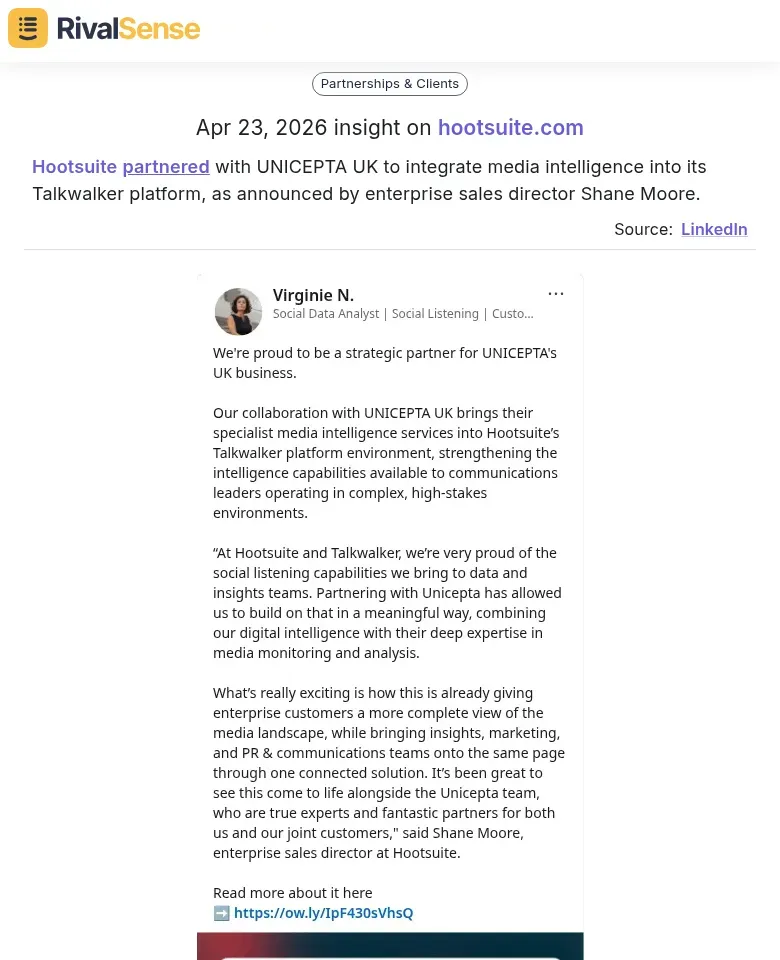
Partnerships can reshape the competitive landscape. When Hootsuite partnered with UNICEPTA UK to integrate media intelligence into its Talkwalker platform, it signaled a move to strengthen its analytics offering. For competitors, this insight might prompt a review of their own media monitoring capabilities or lead to forming alternative alliances. RivalSense scans for such deals automatically so you can adjust your strategy before the market shifts.
2. Product Launch or Enhancement 🌟
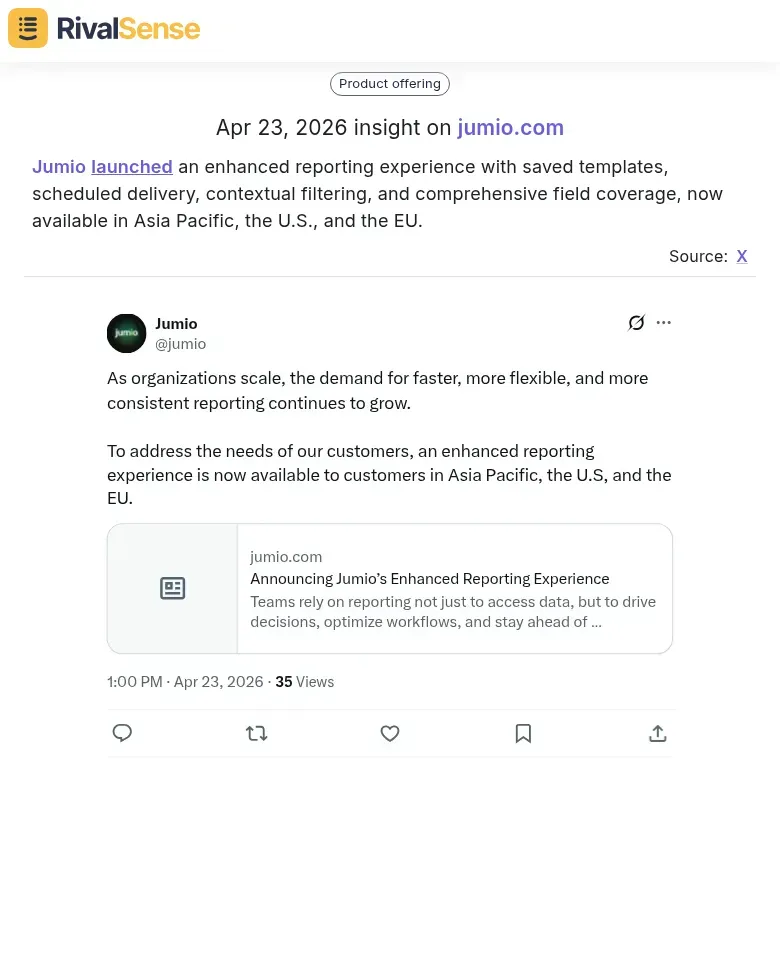
Product updates often reveal where a competitor is investing. Jumio’s enhanced reporting experience (with saved templates, scheduled delivery, and contextual filtering) shows a focus on user convenience and data accessibility—especially relevant for enterprises in Asia Pacific, the U.S., and the EU. Tracking such updates helps you benchmark your own product roadmap and identify feature gaps that could be exploited.
3. Innovation in Vertical Solutions 🔍
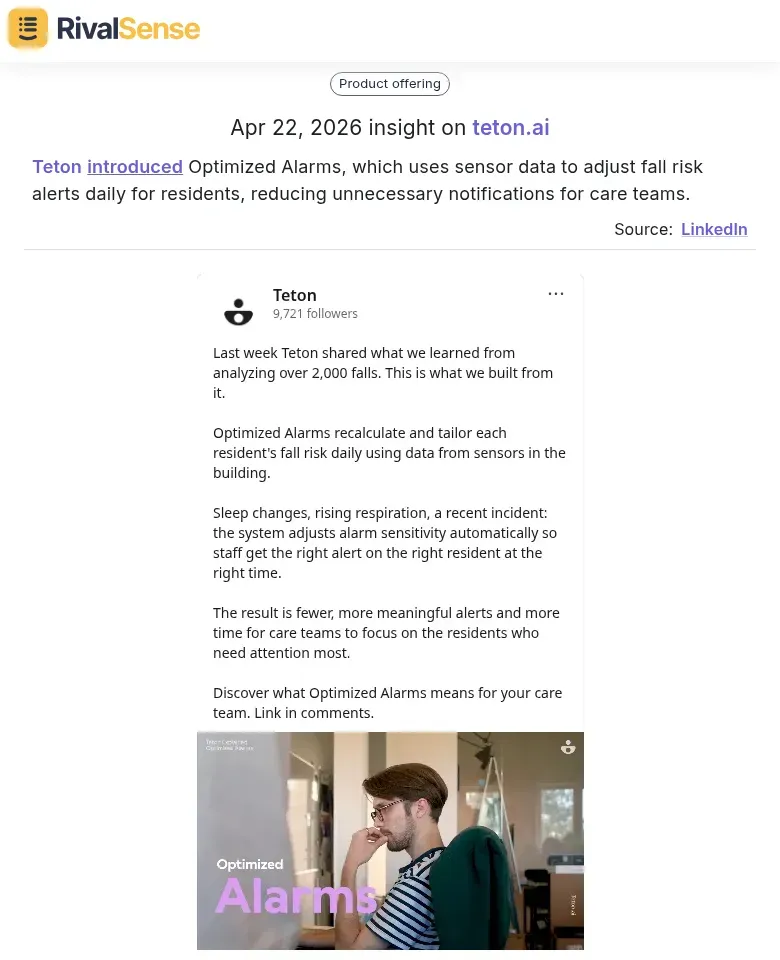
Niche innovations can disrupt established segments. Teton’s Optimized Alarms uses sensor data to reduce false alerts for care teams—a clear move to improve efficiency in senior living. For competitors in health tech, this signals an opportunity to differentiate on AI-driven automation or risk losing customers who value smarter alerts. RivalSense catches these product changes even when they’re buried deep in a company’s blog.
Step 7: Share Insights Across Your Organization
Competitive intelligence shouldn’t sit in one person’s inbox. Create a simple weekly digest:
- Subject: “Competitive Intel – Week X”
- Sections: Product Updates, Pricing, Leadership, Partnerships, Media
- Format: Bullet points with links and a one-line impact assessment
Pro tip: Use a shared document (Google Docs, Notion) that your team can comment on.
Putting It All Together: A Sample Workflow
| Time | Task | Tool |
|---|---|---|
| Monday 9:00 | Review RivalSense weekly email | RivalSense |
| Monday 9:30 | Update competitive matrix | Spreadsheet |
| Monday 10:00 | Share top 3 insights in Slack | Slack |
| Wednesday | Quick scan of Google Alerts | Gmail |
| Friday | Check social media for late-week news | LinkedIn/Twitter |
Why RivalSense?
RivalSense was built to solve the exact pain points of key account tracking. Instead of visiting 10+ sources per competitor, you get one weekly email with all the important updates. It covers:
- Product launches and updates
- Pricing changes
- Event participations
- Partnerships
- Regulatory news
- Management changes
- Media mentions
All from 80+ sources including company websites, social media, news outlets, and registries.
Stop tracking manually. Start strategizing.
Ready to streamline your competitive tracking? Try RivalSense for free today and get your first competitor report delivered to your inbox.
📚 Read more
👉 5 Real-World Competitor SWOT Examples for B2B Leaders
👉 How CrewAI's New Coding Skills Signal a Shift in Agentic AI Strategy
👉 5 Best Practices for Mining Competitor Insights from Twitter (with Real-World Examples)
👉 Competitor Customer Testimonials Analysis Template for Social Media Agencies
👉 Uncover Key Account Opportunities Through Competitor Event Analysis