
Key Account Tracking Automation: A Practical Guide
Tracking key accounts manually is time-consuming and error-prone. Automation can save hours each week while ensuring you never miss a critical update. Here’s a step-by-step guide to setting up key account tracking automation, complete with a checklist and practical tips.
What Is Key Account Tracking Automation?
Key account tracking automation uses software tools to monitor your most important clients or prospects across multiple channels—company websites, social media, news, regulatory filings, and more—and delivers updates automatically. Instead of checking each source manually, you set up triggers and actions that collect and organize information for you.
Why Automate?
- Save time: Eliminate manual browsing and data entry.
- Reduce errors: Automated systems don’t miss updates.
- Stay proactive: Receive alerts on competitor moves, partner changes, or regulatory shifts that affect your accounts.
- Scale: Monitor dozens or hundreds of accounts without adding headcount.
Real-world insights are the lifeblood of proactive account management. For example, when a competitor raises a significant funding round, it signals their expansion plans and potential market moves. 📈
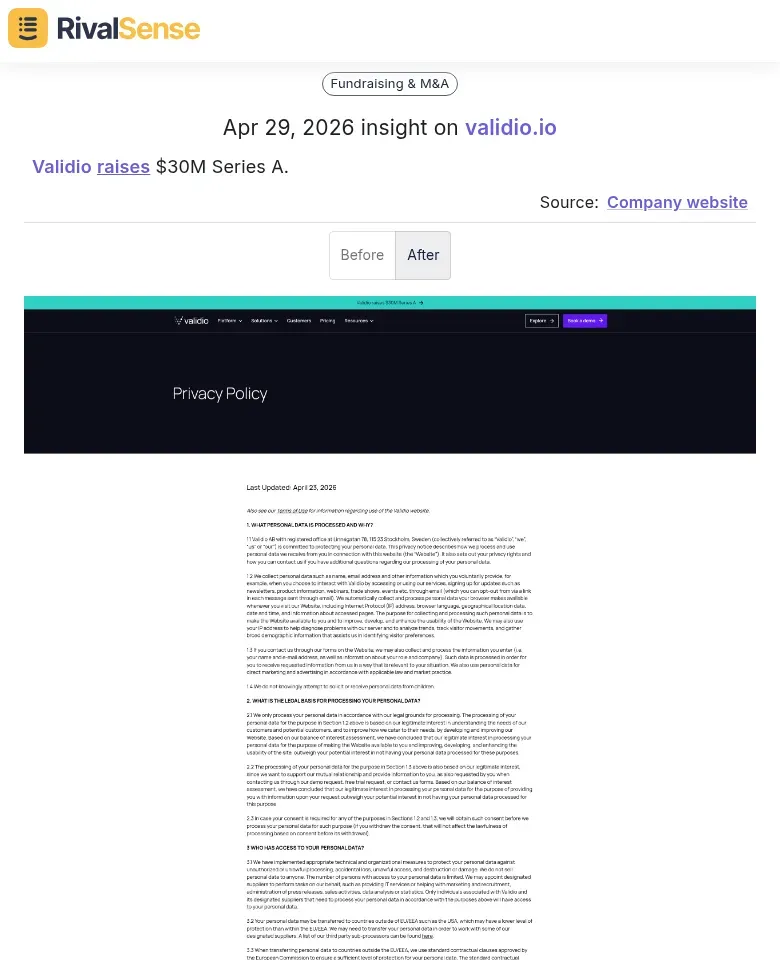
Why this matters: A $30M Series A for Validio means they have capital to scale sales, hire talent, or launch new products—information your key account team can use to anticipate competitive threats or adjust your value proposition.
Another critical update is when a competitor revamps their website messaging. This often reflects a strategic pivot or a new focus area.

Why this matters: Lasso moving from "AI usage control" to "AI red teaming and agentic security" shows they are targeting a different buyer persona or addressing new compliance needs. Your sales team can prepare counter-messaging or highlight your own strengths in that space.
Finally, product feature updates—especially those leveraging new AI capabilities—can directly impact your competitive positioning.
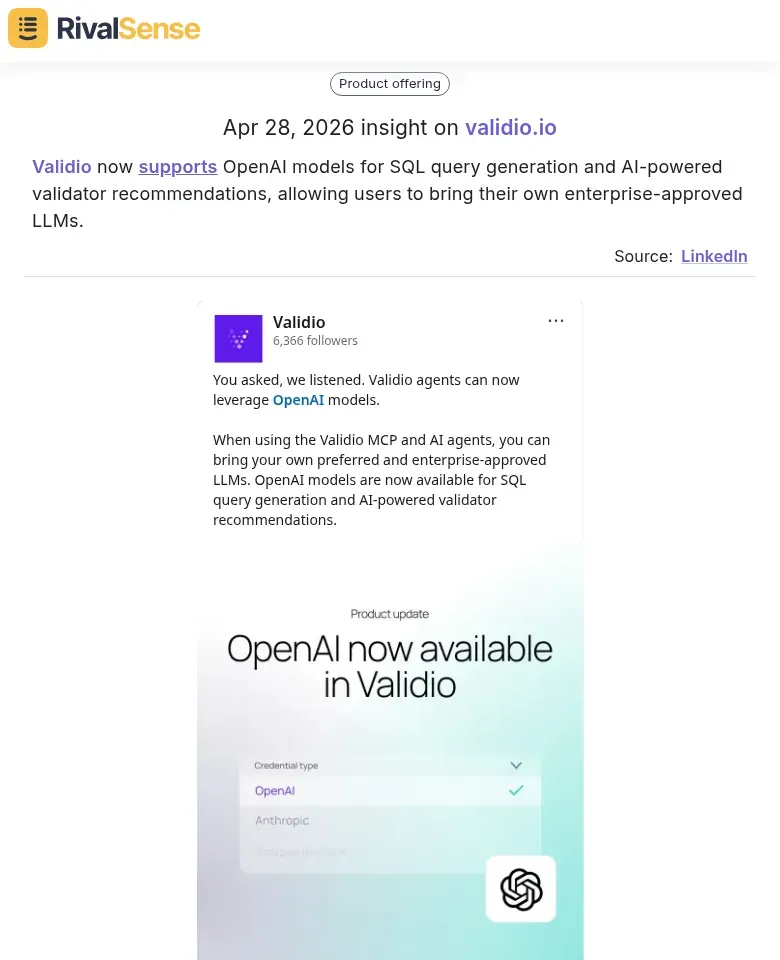
Why this matters: Validio adding OpenAI model support for SQL generation and validator recommendations means they are lowering the barrier to adoption for enterprise customers. Your account execs should know this when discussing data quality solutions.
Step-by-Step Setup Checklist
-
Define your tracking scope
- List the key accounts you want to monitor (clients, prospects, competitors, partners).
- Identify the types of updates that matter: product launches, pricing changes, leadership moves, funding news, media mentions, regulatory filings.
-
Choose your sources
- Company websites (blogs, press rooms, careers pages)
- Social media (LinkedIn, Twitter, Facebook)
- News aggregators and Google Alerts
- Industry registries (SEC filings, patent databases, GDPR compliance lists)
- Review platforms (G2, Capterra)
-
Select an automation tool
- Use a dedicated competitive intelligence platform like RivalSense that tracks 80+ sources and delivers weekly email reports.
- Alternatively, set up custom workflows with tools like Zapier, Make, or Monday.com.
-
Configure triggers and actions
- Example trigger: “New blog post published on competitor site” → Action: “Send Slack notification to account team.”
- Example trigger: “Pricing page updated” → Action: “Log change in CRM and alert sales rep.”
-
Set up a dashboard or report
- Aggregate updates in a central dashboard (e.g., Monday.com board, Notion database, or a weekly email).
- RivalSense delivers a consolidated weekly email so you don’t have to check multiple dashboards.
-
Test and iterate
- Run a pilot with 2–3 accounts for one week.
- Adjust sources, triggers, and frequency based on relevance.
Practical Tips for Effective Automation
- Prioritize quality over quantity: Monitoring too many sources leads to noise. Focus on the 5–10 sources that consistently provide actionable intel.
- Use tagging and categorization: Tag updates by account, type (e.g., “pricing,” “product,” “people”), and urgency. This helps teams filter and act quickly.
- Set up escalation rules: For high-priority accounts, configure alerts that go directly to the account manager’s phone or email.
- Review and refine monthly: Business priorities change. Revisit your tracking setup every 30 days to remove stale sources and add new ones.
- Combine automation with human analysis: Automation collects the data; a human should interpret and decide next steps. Use the weekly report as a starting point for a 15-minute team huddle.
Common Pitfalls to Avoid
- Over-automating: Not every update needs an alert. Use thresholds (e.g., only notify if a competitor changes pricing by more than 10%).
- Ignoring data privacy: Ensure your tracking complies with GDPR, CCPA, and other regulations when scraping websites or monitoring individuals.
- Neglecting integration: Automation is only as good as the systems it feeds into. Make sure updates flow into your CRM, Slack, or project management tool.
How RivalSense Simplifies Key Account Tracking
RivalSense handles the heavy lifting for you. It monitors 80+ sources—company websites, social media, news, and registries—for product updates, pricing changes, event participations, partnerships, management moves, and media mentions. All updates are compiled into a single weekly email report, so your team spends minutes reviewing instead of hours searching. It’s the easiest way to automate key account tracking without building complex workflows.
Final Checklist
- [ ] List top 10 accounts to track
- [ ] Identify 5–10 key sources per account
- [ ] Choose automation tool (e.g., RivalSense)
- [ ] Configure triggers and actions
- [ ] Set up weekly report or dashboard
- [ ] Test with pilot accounts
- [ ] Train team on review process
- [ ] Schedule monthly review of tracking setup
Automating key account tracking isn’t just about saving time—it’s about staying ahead of the competition and delivering value to your most important relationships. Start small, iterate, and let the tools do the work.
👉 Ready to automate your key account tracking? Try RivalSense for free and get your first competitor report today—no credit card required.
📚 Read more
👉 How to Turn Competitor Intelligence into a Growth Engine for Your B2B Company
👉 Spotting Competitor Moves Before They Scale: How RivalSense Uncovered Barings Law's PPI 2.0 Strategy
👉 Uncover Competitor Moves: Website Change Insights for Key Account Wins
👉 Track Competitor Podcasts: A Data Quality Guide
👉 Key Account Intelligence: A Content Marketing Framework for Competitor Media Mentions