
How to Track Competitor Insights Online on a Budget
Understanding your competitors’ moves isn’t just for enterprises with six‑figure budgets. Even bootstrapped startups can uncover strategic priorities by reading the public signals companies leave behind. A new office location, a shift in job postings, or a sudden change in customer reviews can reveal expansion plans, product pivots, or service gaps. For example, when a rival opens a distribution center in a new region, it signals market entry—giving you time to strengthen your local presence. Similarly, a spike in engineering job ads might hint at a new feature launch, while a drop in employee headcount could indicate financial strain. The key is knowing where to look: company career pages, Google Maps for location changes, review sites like G2 or Capterra, and financial disclosures for public firms. Start with a simple weekly checklist:
- [ ] Monitor job postings for role shifts
- [ ] Check review sites for sentiment changes
- [ ] Scan news for expansion announcements
- [ ] Track pricing pages for adjustments
These low‑cost signals, when pieced together, form a competitive intelligence picture that helps you anticipate market shifts and seize opportunities—without spending a dime on expensive tools.
Tracking Location & Expansion Signals
To track competitor location and expansion signals without breaking the bank, start by monitoring real estate announcements through free sources like local business journals, county property records, and press releases. Set up Google Alerts for keywords like [competitor name] + new office, headquarters relocation, or expansion. Public statements about tax policies or regulatory changes can hint at future moves—for example, a firm reconsidering a major investment due to local tax rhetoric signals sensitivity to the fiscal climate. Use free tools: follow local government meeting minutes (often posted online) for permit approvals or zoning changes. Create a simple spreadsheet to log each signal: date, source, type (real estate, tax statement, regulatory), and potential impact. Check competitor LinkedIn pages for new job postings in different cities—a spike in listings outside their HQ may indicate expansion. Also, monitor their investor presentations (available on their site or SEC filings) for mentions of “new markets” or “geographic diversification.”
Why this matters for your strategy: A competitor’s location decision—like reconsidering a $6B real estate project—can reveal their sensitivity to regulatory or tax environments, giving you a heads‑up on where they may (or may not) invest next. This kind of signal helps you adjust your own market entry plans before your rival commits.
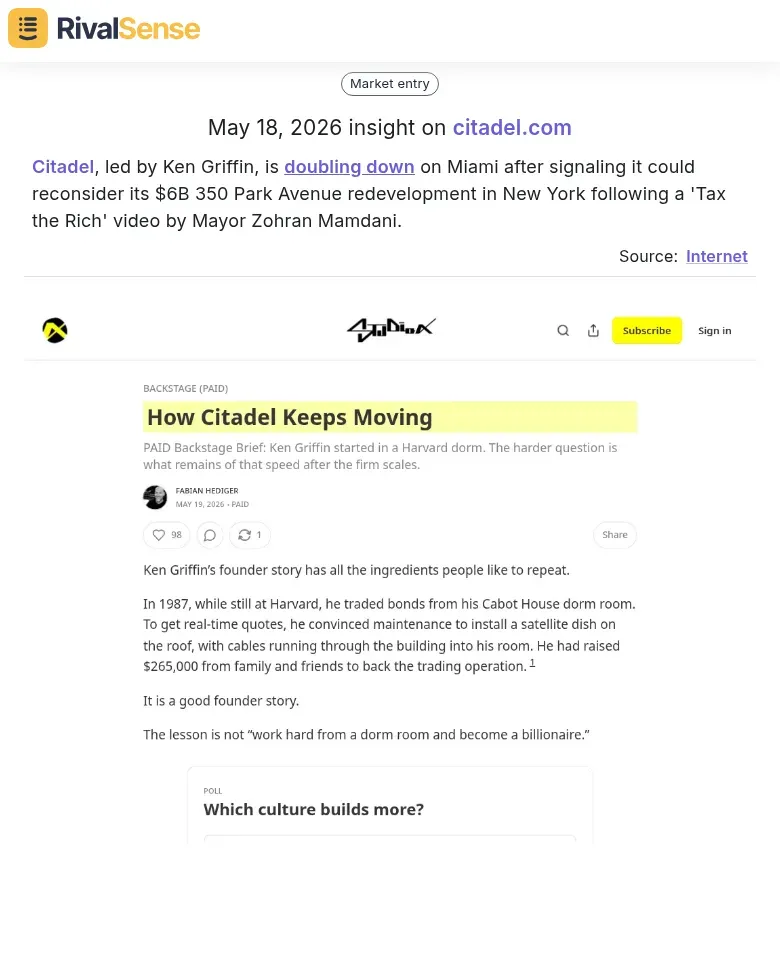
📍 Real Insight: Citadel, led by Ken Griffin, is doubling down on Miami after signaling it could reconsider its $6B 350 Park Avenue redevelopment in New York following a 'Tax the Rich' video by Mayor Zohran Mamdani.
Pro tip: Set up a dedicated email folder for alerts and review weekly. This low-cost system keeps you ahead of their moves without expensive CI tools.
Monitoring Performance & Volume Trends
To track competitor performance without expensive tools, start by mining press releases, investor updates, and executive interviews for disclosed metrics like trading volumes, sales figures, or growth percentiles. Many companies share these to attract investors or customers. Create a simple spreadsheet to log each data point alongside its source and date.
Next, compare current figures against historical benchmarks. Look for inflection points—sudden spikes or drops—that signal strategic shifts. For example, a competitor reporting record-high monthly active users or transaction volumes often indicates strong demand or market share gains. Conversely, a decline may reveal churn or operational issues.
Practical steps:
- Set up Google Alerts for key competitors plus terms like “record,” “growth,” or “milestone.”
- Monthly, update your spreadsheet and note any YoY or QoQ changes.
- Flag any metric that deviates >20% from the trailing 12-month average.
Why this matters for your strategy: Tracking volume trends—such as a competitor hitting the 96th percentile in transaction volumes—helps you gauge market demand shifts and validate whether your own growth strategy needs acceleration or adjustment.
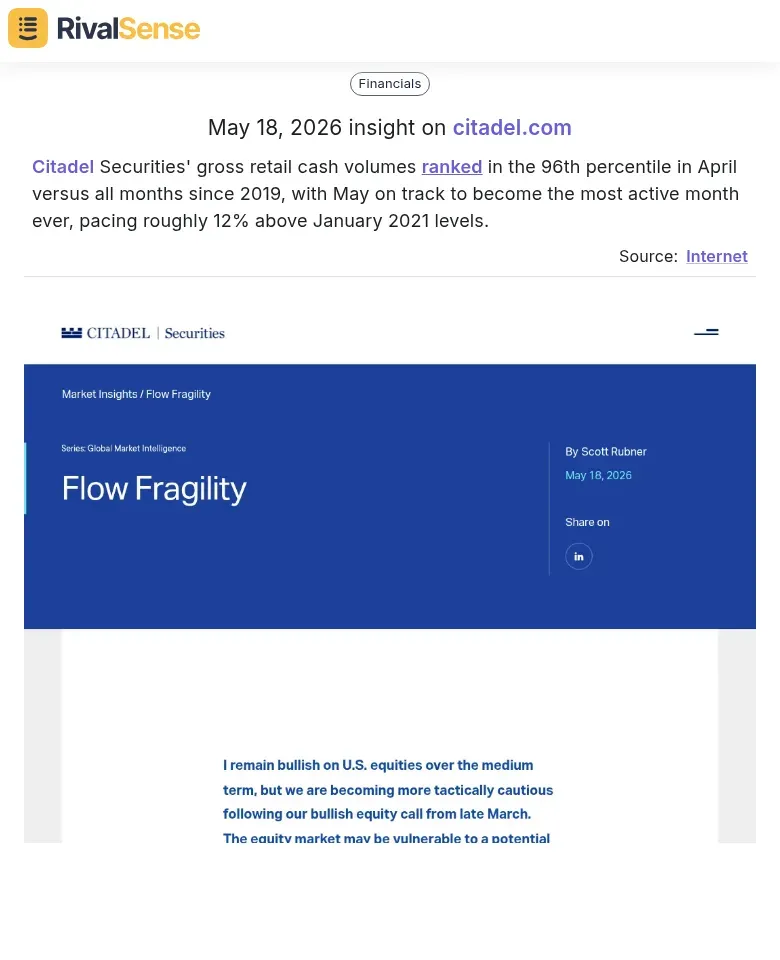
📊 Real Insight: Citadel Securities’ gross retail cash volumes ranked in the 96th percentile in April versus all months since 2019, with May on track to become the most active month ever, pacing roughly 12% above January 2021 levels.
Pro tip: Cross-reference disclosed metrics with third-party reviews or job postings—a hiring surge often precedes volume growth. This low-effort approach keeps you ahead of market trends without a budget.
Analyzing Talent & Leadership Changes
Analyzing talent and leadership changes offers a window into a competitor’s strategic priorities. When a company hires a new executive or creates a novel role, it often signals a shift in focus—such as entering a new market, doubling down on a product line, or investing in a specific function.
How to track these moves on a budget:
- Monitor LinkedIn – Follow competitor company pages and key employees. Set up alerts for job changes using tools like Google Alerts with queries like
"[Competitor Name]" hiresor"[Competitor Name]" appoints. - Check company newsrooms – Most B2B companies publish press releases for senior hires. Bookmark their “News” or “Press” sections and check weekly.
- Scan industry publications – Use free sources like PRWeb, Business Wire, or niche industry blogs. Search for
"[Competitor Name]" + "appoints"or"[Competitor Name]" + "joins as". - Look for role creation vs. replacement – A new role (e.g., first Chief Revenue Officer) indicates a new strategic bet, while a replacement suggests continuity.
Why this matters for your strategy: A competitor hiring a Chief Medical Officer, for instance, signals an investment in clinical quality and local market expansion—intelligence you can use to refine your own product roadmap or geographic focus.
👤 Real Insight: Next Health appointed Dr. Amy Chhadia as Chief Medical Officer for its Chicago market to oversee clinical strategy and medical operations.

Pro tip: Create a simple spreadsheet to log hires, role titles, and dates. Over time, patterns emerge that reveal where your competitor is placing its bets.
Free & Low-Cost Tools for Ongoing Tracking
Tracking competitors doesn't have to break the bank. Here are three free or low-cost strategies to stay informed:
1. Google Alerts
Set up alerts for your top 3–5 competitors, their CEOs, and key industry terms. Use quotes for exact matches (e.g., "Acme Corp") and exclude your own brand to reduce noise. Pro tip: Create a dedicated email folder to organize alerts.
2. RSS Feeds
Use Feedly or Inoreader to aggregate feeds from:
- News sites (TechCrunch, industry blogs)
- SEC EDGAR for public company filings (10-K, 8-K)
- Google Patents or USPTO for new patents
Check feeds daily or set up a weekly digest.
3. Social & Review Platforms
Monitor Twitter/X and LinkedIn for real-time updates. Follow competitor pages and use saved searches (e.g., "competitor name" + "launch"). On G2, Capterra, or Trustpilot, track reviews to spot feature requests or complaints. Set up a free Slack or email alert using tools like Zapier (free tier) to get notified of new reviews.
Quick Checklist:
- [ ] Google Alerts active for 5+ terms
- [ ] RSS reader set up with 3+ sources
- [ ] Social saved searches created
- [ ] Review platform alerts configured
Turning Insights into Actionable Strategy
Once you've gathered competitor signals, the key is turning them into an actionable strategy. Start by categorizing each signal into strategic domains:
- Expansion (new markets, product launches)
- Performance (pricing changes, feature updates)
- Talent (hiring sprees, executive moves)
This helps you prioritize—if a competitor is hiring aggressively in a new region, that's a high-priority expansion signal.
Cross-reference multiple signals before acting. A single job posting might be noise, but combine it with a new office lease and a product beta announcement, and you have a validated trend. Use a simple scoring system: 1 point per signal source, act only when a trend reaches 3+ points.
Build a lightweight competitive intelligence dashboard using free tools like Airtable or Google Sheets. Create columns for: Signal Date, Domain, Competitor, Description, Source URL, Confidence Score (1-5), and Action Status. Set up automated email alerts for new mentions using Google Alerts or Mention.com (free tier).
Weekly review ritual: Every Monday, spend 30 minutes reviewing new signals, updating your dashboard, and assigning one action item per domain. For example, if a competitor launches a feature, assign someone to test it and report back. This turns raw data into a disciplined, low-cost competitive edge.
Ready to streamline your competitor tracking? Stop juggling dozens of tabs and alerts—let RivalSense do the heavy lifting. Try RivalSense for free at https://rivalsense.co/ and get your first competitor report today.
📚 Read more
👉 Predicting Print Industry Trends: The Power of Competitor Benchmarking
👉 Tracking Industry Leaders: Unlock Product Strategy Insights
👉 How to Turn Event Sponsorships into Competitor Insights
👉 How to Turn Competitor Research into a Real Competitive Advantage
👉 5 Productivity Techniques for Faster Competitor Analyst Report Summaries