
How to Control Access to Competitor Intelligence in Your B2B Company
As a founder or CEO, you know competitor intelligence is gold—but only if the right people see it at the right time. Unrestricted access can lead to leaks, confusion, or missed signals. Here’s how to set up permissions so your team gets the insights they need without exposing sensitive strategy.
Why Permission-Based Access Matters for Competitor Tracking
In B2B, competitor insights often contain proprietary analysis, pricing comparisons, and forward-looking strategies. A junior rep seeing a report on a competitor’s upcoming product launch might inadvertently share it, while a senior strategist needs full context. Granular permissions ensure each role sees only relevant data, keeping your competitive edge secure.
Quick wins to start:
- Audit who currently sees competitor reports.
- Define roles: C-suite (full view), product/marketing (industry trends), sales (account-specific moves).
- Use a tool that supports role-based access (like RivalSense).
- Set up weekly or monthly digests per role.
✅ Checklist for compliance:
- [ ] Role definitions documented
- [ ] Access logs enabled
- [ ] Training completed on handling competitive data
- [ ] Quarterly review of permissions
Mapping User Roles to Competitor Intelligence Visibility
Clear roles prevent over‑sharing. Typical B2B roles for competitor data:
| Role | Access Level | Example Insights Visible |
|---|---|---|
| CEO / VP Strategy | Full – all reports, raw data, analytics | Market shifts, regulatory changes, competitor partnerships |
| Product Manager | Product‑focused – launches, updates, features | New product specs, feature releases |
| Sales Rep | Account‑specific – competitor moves affecting their deals | Pricing updates, event participation |
| Marketing | Industry trends – content, media mentions | Thought leadership, PR campaigns |
Why this matters: A sales rep doesn’t need to see a competitor’s internal R&D roadmap, but the product team does. Clear role mapping prevents data leaks and keeps teams focused.
Example: Tracking Market Shifts with Fortinet
One type of valuable competitor intelligence is tracking report updates and content shifts. For instance, Fortinet replaced its 2025 Global Threat Landscape Report with the 2026 version, highlighting a shift to AI‑accelerated attacks and board‑level cybersecurity prioritization. This insight is gold for a security‑focused B2B company’s product and marketing teams—they can adjust messaging and positioning accordingly.
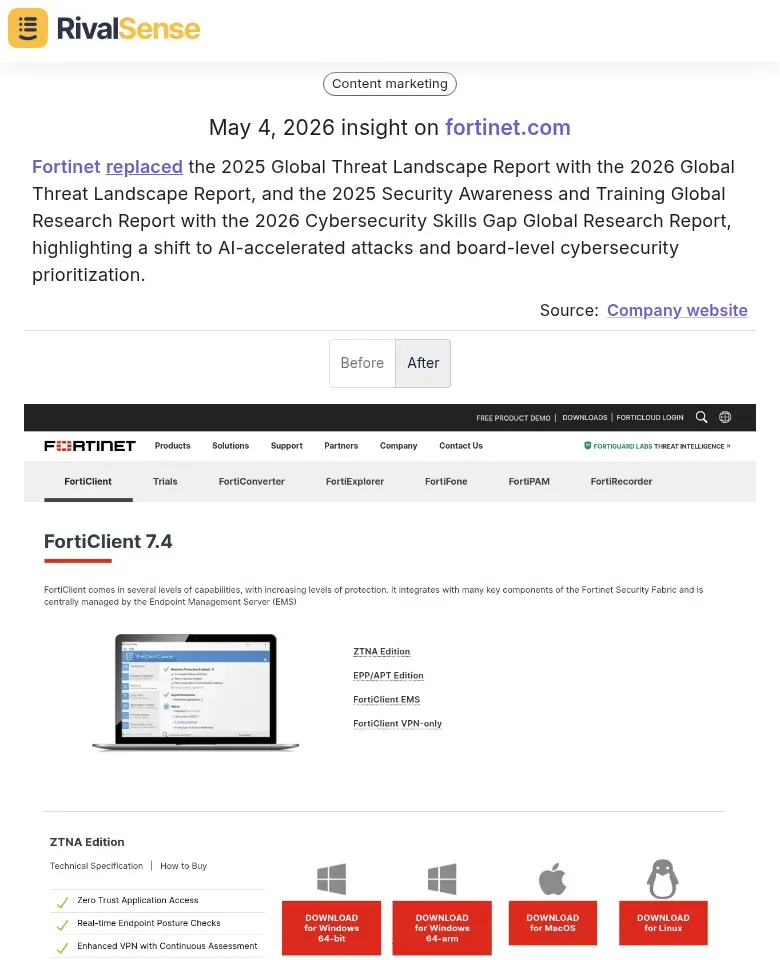
Why it matters: Knowing when a competitor updates major reports signals their strategic focus. Your product team can anticipate their next moves, and marketing can craft counter‑narratives. Permissions should ensure this insight reaches the VP Product and CMO, not just the sales team.
Step‑by‑Step: Configuring Permissions in Your Competitor Tracking Tool
Most tools (including RivalSense) let you set user roles. Here’s a generic approach:
- Navigate to user settings – Look for “Team” or “Users” section.
- Create role templates – Define each role’s data access (e.g., by industry segment, competitor, or insight type).
- Assign users – Add team members to roles. Use groups for territories or divisions.
- Test access – Log in as a test user to confirm only expected data is visible.
Tip: Use a temporary test role for new hires until they’re fully onboarded.
Advanced Strategies: Permissions for Multi‑Territory and Channel Partners
If your B2B company operates across regions or with partners, set territory‑based groups. For example, a European sales rep should only see competitor moves in Europe, not global strategy. Use custom fields like “Region” to filter reports automatically.
For channel partners, create external user groups with limited visibility—only to accounts they own and specific product lines. Hide internal notes or pricing by using field‑level security.
Example: Tracking Product Launches with Trackunit
Another key insight type is new product or feature launches. Trackunit launched IrisX Blueprints, pre‑built solutions to turn construction data into action from day one. For a construction‑tech B2B firm, this is a direct competitive threat or opportunity—your product team needs to react fast, while sales can address objections.
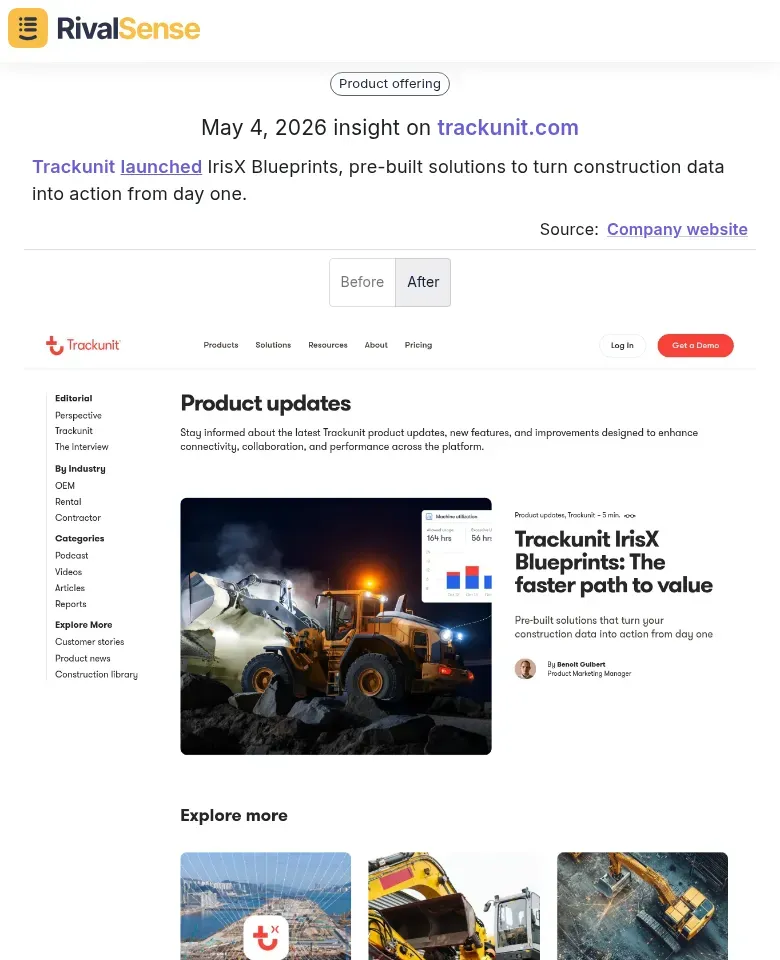
Why it matters: Product launches signal a competitor’s innovation direction. Set permissions so your product and engineering teams get immediate alerts, while sales sees only a summary. This prevents premature panic while enabling strategic response.
Auditing and Maintaining Permissions Over Time
Permissions aren’t set‑and‑forget. Schedule quarterly audits:
- Remove former employees’ access within 24 hours.
- Check for over‑privileged roles (e.g., a marketing intern with full strategic reports).
- Monitor access logs for anomalies—like a user downloading a report on a competitor they don’t cover.
Pro tip: Automate de‑provisioning by integrating your HR system with your tracking tool.
Example: Tracking Event Participation with Gelato
Competitor event participation reveals thought leadership and partnership strategies. Gelato featured TidyMerch CEO Charlie Saunders at its FESPA Global Print Expo 2026 stand to discuss AI‑driven operations software. This insight helps your marketing team decide whether to attend the same event, counter the messaging, or identify potential partnership opportunities.
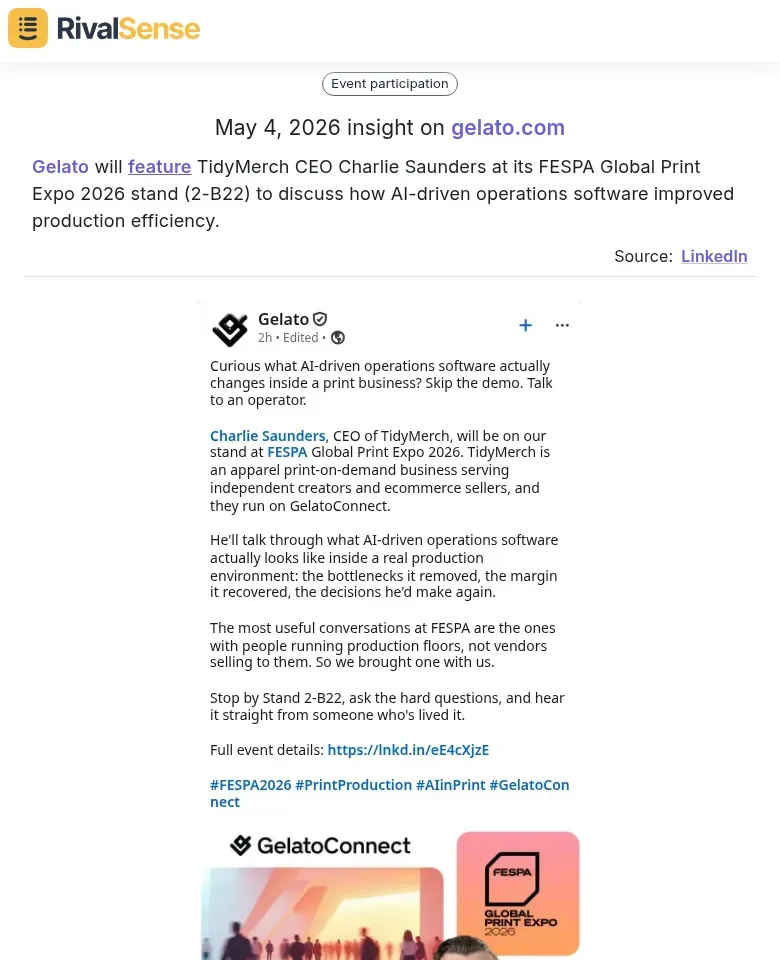
Why it matters: Event appearances indicate where competitors are investing relationships and which topics they’re pushing. Set permissions so your marketing and partnership teams see this, while sales may only need a brief note.
Conclusion: Secure Intelligence Drives Better Strategy
Balancing security with speed is critical. By defining roles, using a permission‑based tool like RivalSense, and auditing regularly, you ensure competitor insights fuel decisions—not leaks. Start by mapping your team’s roles to insight types, then configure your tool accordingly.
Ready to streamline your competitor intelligence? Try RivalSense for free here and get your first competitor report today.
📚 Read more
👉 How NVIDIA's Nemotron Launch Spurred a Rival's AI Agent Pivot
👉 How to Spot Competitor Partnerships via Website Changes
👉 Key Account KPIs in AI: Optimize NVIDIA-Style Growth
👉 Pricing Trends: Key Account Tracking Insights for Competitive Edge
👉 Competitor Analysis: How to Leverage Event Participation Insights (VMware Explore 2026 Case Study)