
Key Account Management Tools Comparison 2025: The Ultimate Guide for Business Leaders
The success of any B2B sales organization hinges not just on closing new deals, but on the strategic growth and retention of existing client accounts. For U.S. sales professionals navigating long sales cycles, large contracts, and multi-level corporate relationships, standard CRM often falls short. In fact, poor data quality in account management costs businesses about $15 million yearly in losses.
Key account management software provides the sophisticated toolkit needed for relationship mapping and strategic account planning. This comprehensive guide will help you compare the best software solutions designed to empower American B2B Account Managers, enabling them to transition from reactive support to proactive, high-value strategic partners.
What Makes Key Account Management Software Different from Traditional CRM?
Traditional CRM systems focus on creating and converting sales pipelines—they excel at stages, forecasts, and acquiring new logos. Key account management solutions, however, focus on nurturing and growing existing customer relationships over time. Understanding these distinctions is crucial for selecting the right tool to drive long-term revenue and customer loyalty.
Key differences include:
- Visual organization maps showing decision makers and influencers
- Health/risk models with configurable thresholds and alerts
- Whitespace analytics for identifying expansion opportunities
- Portfolio visibility tools for managing renewal timelines
- Relationship-focused approach rather than transaction-focused
CRM success looks at increased sales, while account management reviews ROI improvement over time through retention and expansion.
Top 8 Key Account Management Tools for 2025: Detailed Comparison
Selecting the right key account management tool requires a clear understanding of your business needs and budget. Here is a detailed comparison of eight leading solutions, each catering to different team sizes and strategic priorities.
1. Gong: Best for Conversation Intelligence
Monthly Fee: Custom pricing (contact sales)
Great For: Sales teams and account managers who want conversation intelligence, deal insights, and automated tracking to strengthen client relationships.
Key Features:
- AI-driven conversation intelligence
- Real-time deal tracking and alerts
- Automated data updates and note-taking
- Integration with leading CRMs
- Customizable dashboards and AI-based recommendations
Practical Tip: Gong works best for sales-focused organizations that need deep insights into sales calls and meetings. Smaller teams may find the custom pricing challenging to budget for.
2. Pipedrive: Best for Small to Mid-Sized Businesses
Monthly Fee: $14 - $79 (depends on package)
Great For: Small to mid-sized businesses looking for an easy-to-use CRM with strong pipeline and account management features.
Key Features:
- Visual pipeline view for clear deal tracking
- Automation capabilities and workflow automation
- Activity tracking and reminders for follow-ups
- 400+ integrations
- Clean UI with usable mobile app
Practical Tip: Start with the Essential plan at $14/user/month (annual billing) and upgrade as your needs grow. Watch for add-on costs like LeadBooster.
3. Kapta: Best for Strategic Account Management
Monthly Fee: Custom pricing
Great For: Organizations handling high-value strategic accounts that need advanced relationship mapping and whitespace analysis.
Key Features:
- AI-powered customer issue detection
- Health scoring to prevent customer loss
- Whitespace analysis for upsell opportunities
- Org chart visualization
- Companies using Kapta find 17% more upsell opportunities
Practical Tip: Ideal for teams managing 3-5 high-value accounts each. The platform excels at identifying expansion opportunities before competitors do.
4. HubSpot Sales Hub: Best for Unified Customer Platform
Monthly Fee: Tiered pricing (Starter: $15-20, Professional: $90-100, Enterprise: $120-150)
Great For: Growing sales organizations that need prospecting, scaling, and revenue acceleration tools integrated with marketing and service.
Key Features:
- Unified 360-degree view of client interactions
- Sales Sequences and Playbooks
- Meeting scheduling automation
- Custom reporting and forecasting
- Scalable tiers with free CRM option
Practical Tip: The Professional tier ($90-100/user/month) unlocks crucial features for serious B2B account management, but requires a $1,500 onboarding fee.
5. Planhat: Best for Customer Success Teams
Monthly Fee: Custom pricing
Great For: Customer success teams focused on building stronger client relationships and improving retention.
Key Features:
- Health scoring system for at-risk customers
- Centralized note-taking and health monitoring
- 20% boost in customer retention reported by users
- 87% recommendation rate from current users
Practical Tip: Planhat users see significant retention improvements—track your own metrics before and after implementation to measure ROI.
6. Freshworks: Best for AI-Powered Insights
Monthly Fee: Custom pricing
Great For: Teams needing AI-driven analytical insights and automation of routine tasks.
Key Features:
- Freddy AI technology for analytical insights
- Contact and account management with deal insights
- Visual pipeline tools
- User-friendly design with quick setup
- Better response times and higher productivity reported
Practical Tip: The AI handles routine tasks while providing applicable information—calculate time saved on manual work to justify investment.
7. ClientShare: Best for Shared Client Portals
Monthly Fee: Custom pricing
Great For: Organizations needing Quarterly Business Review (QBR) management and client portal capabilities.
Key Features:
- QBR management through Pulse platform
- NPS and CSAT measurement tools
- Used by half of FTSE 100 and one-third of S&P companies
- 98% retention rate achieved by one company after implementation
Practical Tip: ClientShare excels at contract retention—use it for your most valuable accounts where retention is critical.
8. EngageBay: Best for Small Businesses
Monthly Fee: $13.79 monthly
Great For: Small businesses needing affordable yet powerful account management tools.
Key Features:
- All-in-one CRM solution
- Sales pipeline management
- Contact organization and marketing automation
- 9.2/10 G2 rating
- Affordable pricing for growing teams
Practical Tip: At just $13.79/month, EngageBay offers excellent value for small businesses—test with a free trial before committing.
Key Features Comparison Checklist
Evaluating key account management tools can be overwhelming. Use this practical checklist to systematically assess features that align with your business goals and team workflows.
Essential Features to Look For:
✅ Sales Pipeline & Opportunity Tracking
- Kanban-style dashboards
- AI-powered deal insights
- Customizable stages
- Velocity tracking and bottleneck identification
✅ Client Communication & Collaboration
- Integrated communication channels
- Secure messaging and email templates
- Built-in client portals
- Video conferencing capabilities
- End-to-end encryption
✅ Custom Dashboards & Reporting
- Real-time metrics monitoring
- Data visualization tools
- Interactive reporting
- Pre-built report templates
- Customization options
✅ Automation & Workflow Management
- Automated deadline reminders
- Pre-built workflow templates
- Task creation and assignment
- Progress tracking across projects
- Automated notifications
✅ Security & Compliance
- Multi-factor authentication (MFA)
- Role-based access controls
- Regular security audits
- Industry regulation compliance
- Continuous threat monitoring
Practical Implementation Guide: 5 Steps to Success
Implementing a new key account management tool requires careful planning and execution. Follow these five steps to ensure a smooth transition and maximize ROI from your investment.
Step 1: Assess Your Current State
- Identify pain points with current account management
- Define must-have features based on team size and goals
- List integration requirements with existing systems
- Determine user skill levels and training needs
Step 2: Evaluate Tools Systematically
- Test mobile app functionality for field teams
- Check data import/export capabilities
- Verify security certifications and compliance
- Assess customer support response times
- Review user interface intuitiveness
Step 3: Plan Implementation
- Create data migration strategy
- Schedule user training sessions
- Set up key performance indicators (KPIs)
- Establish success metrics for first 90 days
Step 4: Monitor and Optimize
- Track adoption rates across teams
- Measure ROI through retention and expansion metrics
- Gather user feedback regularly
- Adjust workflows based on performance data
Step 5: Stay Competitive
- Monitor competitor tool usage and strategies
- Track industry trends in account management
- Benchmark performance against industry leaders
- Continuously improve based on market insights
Emerging Trends in Key Account Management (2025-2026)
The landscape of key account management is evolving rapidly with technological advancements. Staying updated on these trends can help you future-proof your strategy and maintain a competitive edge.
1. AI and Conversation Intelligence
- AI could automate 30% of work hours by 2030 (McKinsey)
- 72% better understanding of customer businesses
- 23% more efficient identification of non-competitive deals
- Saves account managers 20 hours weekly through automation
2. Remote Collaboration Features
- 12.7% of full-time employees work remotely
- 28.2% follow hybrid models
- Collaborative employees stick to tasks 64% more often
- Companies save $11,000 yearly per remote employee
3. Real-Time Analytics Integration
- Instant insights from connected devices
- Proactive account management based on usage patterns
- Individual-specific experiences
- Faster response to client needs
How to Stay Ahead of Competitors with Competitive Intelligence
While choosing the right key account management software is crucial, staying informed about your competitors' moves can give you a significant edge. RivalSense provides comprehensive competitor tracking across 80+ sources, delivering weekly reports on product launches, pricing changes, event participations, partnerships, regulatory aspects, management changes, and media mentions. This intelligence helps you anticipate market shifts and refine your account management strategies proactively.
Real-World Competitive Intelligence Examples:
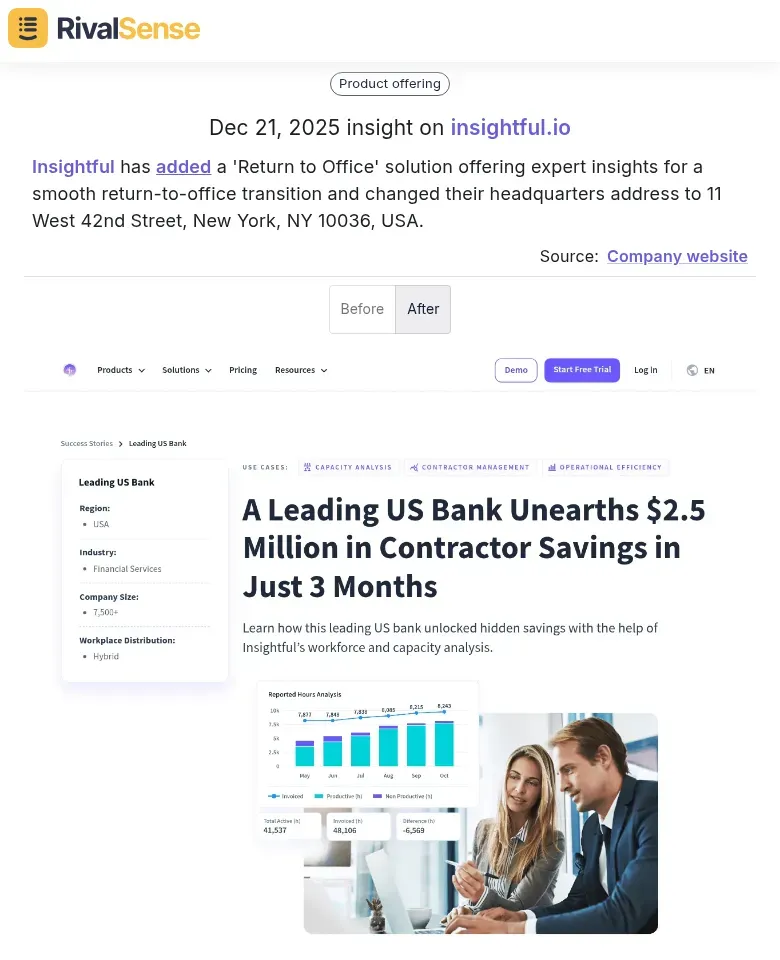
Product Launches & Updates: Tracking new offerings can reveal market trends and unmet customer needs. For instance, when Insightful added a 'Return to Office' solution and changed their headquarters address, it signaled a strategic focus on hybrid work environments. This insight could inspire similar features in your software or highlight a growing market segment.
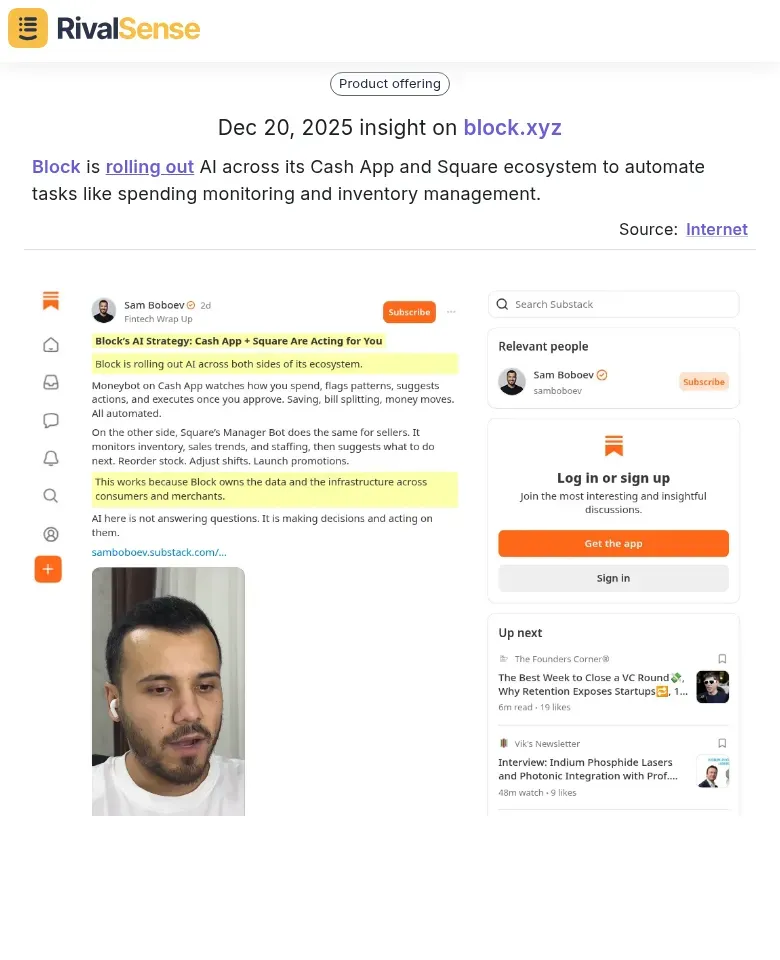
AI Integrations: Monitoring technological advancements helps you assess competitive threats and innovation opportunities. Block rolling out AI across its Cash App and Square ecosystem to automate tasks like spending monitoring and inventory management shows a push towards operational efficiency. Understanding such moves can guide your own AI adoption and feature development.
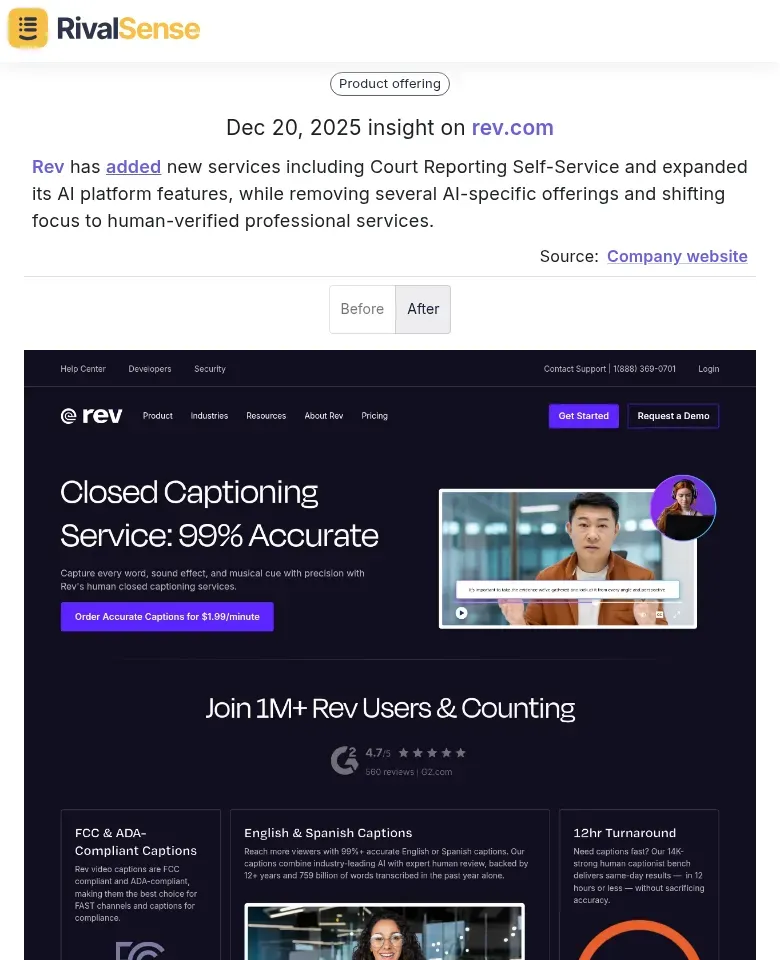
Strategic Shifts: Changes in service offerings indicate evolving business priorities. Rev added new services including Court Reporting Self-Service and expanded its AI platform features, while removing several AI-specific offerings and shifting focus to human-verified professional services. This highlights a pivot towards quality assurance, which could inform your own service differentiation or partnership strategies.
Practical Tip: By leveraging tools like RivalSense, you can anticipate market shifts before they happen, identify gaps in your account management strategy, and make data-driven decisions about feature development and customer engagement.
Pricing Comparison and Budget Considerations
Budgeting for key account management software involves more than just monthly fees. Consider total cost of ownership, including implementation, training, and scalability, to avoid unexpected expenses and ensure long-term value.
Budget Planning Checklist:
- Calculate total cost of ownership (not just monthly fees)
- Include implementation and training costs
- Factor in integration expenses
- Consider scalability costs as your team grows
- Account for potential upgrade fees
Pricing Models to Consider:
- Subscription-based (monthly/annual)
- Per-user pricing
- Usage-based models
- Freemium options
- Custom enterprise pricing
Conclusion: Making the Right Choice for Your Business
Choosing the right key account management software depends on your specific business needs, team size, and growth objectives. Small businesses might prefer affordable solutions like EngageBay or Pipedrive, while enterprise organizations handling strategic accounts could benefit from Kapta's advanced capabilities or HubSpot's unified platform. Remember that the best tool will strengthen long-term client relationships and align with your sales strategy.
Final Recommendations:
- Take advantage of free trials and demos
- Involve end-users in the evaluation process
- Consider both current needs and future growth
- Prioritize integration capabilities with existing systems
- Don't overlook security and compliance requirements
Ready to gain competitive insights for your business? Try out RivalSense for free and get your first competitor report today to start making smarter strategic decisions about your key account management approach.
📚 Read more
👉 Actionable Strategies to Track Key Account Milestones for Insurance Brokers
👉 How Zyte's Copilot Rebrand Helped Competitors Accelerate Product Development
👉 Avoid These Instagram Competitor Insight Mistakes for Better Key Account Tracking
👉 Cybersecurity Competitive Intelligence: Key Account Tracking Software Comparison
👉 Data-Driven Competitor Product Insights: Track for Strategic Sales Wins