
Automate Key Account Reporting: 5 Actionable Strategies for Custom Software Development
In today's competitive custom software development landscape, key account management has evolved from simple relationship maintenance to a complex strategic function requiring real-time insights, predictive analytics, and personalized reporting. As client portfolios expand and stakeholder expectations rise, manual reporting processes become unsustainable resource drains—consuming 15-20 hours monthly per account while introducing costly errors and delays. Automated reporting transforms this burden into a competitive advantage by implementing systematic data aggregation and visualization, enabling development firms to deliver consistent, accurate insights that strengthen client relationships and inform strategic decisions.
Practical Tip: Start by mapping your current reporting workflow. Identify bottlenecks where data collection, analysis, or formatting consumes disproportionate time. These are prime automation candidates.
Actionable Step: Create a reporting requirements checklist for each key account, including data sources, stakeholders, frequency, and preferred formats. This foundation enables targeted automation that addresses specific client needs while maintaining scalability across your portfolio.
Strategy 1: Data Integration and Centralization Framework
Effective key account reporting hinges on breaking down data silos that plague custom software development firms. Data often resides in disconnected systems like CRM, ERP, and marketing platforms, leading to inconsistent insights and manual errors. By centralizing data, you can ensure a single source of truth for all account-related information, enhancing accuracy and decision-making.
Start by mapping all data sources—identify critical fields like project hours, revenue, client feedback, and campaign metrics. Use APIs or middleware (like Zapier or custom connectors) to automate real-time data flow into a centralized repository, such as a cloud data warehouse (BigQuery, Snowflake). Implement automated validation: set rules to flag anomalies (e.g., missing project codes, duplicate entries) and schedule daily quality checks. Create a unified dashboard (using tools like Tableau or Power BI) that aggregates insights—track account health scores, profitability trends, and engagement levels consistently.
Tip: Involve stakeholders early to define key metrics (e.g., churn risk, upsell potential) and ensure data governance protocols are in place. This framework reduces manual errors by 30% and delivers actionable, real-time insights for strategic decisions.
Strategy 2: Customizable Dashboard and Visualization Development
Customizable dashboards are essential for translating complex data into clear, actionable intelligence tailored to different stakeholders. They allow executives, account managers, and technical teams to access relevant metrics without wading through irrelevant details. By aligning visualizations with specific roles, you can improve engagement and drive faster, more informed decisions.
For executives, focus on high-level KPIs like revenue growth and churn rates. For account managers, prioritize engagement metrics and service utilization. Technical teams need detailed performance data and integration status. Implement real-time visualization using tools like D3.js or Chart.js with WebSocket connections for live updates. Create drill-down capabilities allowing users to explore from summary views to granular details—for example, clicking on a revenue chart to reveal individual account contributions and trend analysis.
Develop reporting templates categorized by account types: enterprise clients need quarterly business reviews with ROI calculations, while SMB accounts benefit from monthly usage summaries. Include customizable filters for date ranges, metrics selection, and comparison views against industry benchmarks.
Practical Checklist:
- Map stakeholder personas to dashboard requirements
- Prioritize 3-5 critical metrics per user type
- Implement role-based access controls
- Create template library with drag-and-drop customization
- Schedule automated report generation and distribution
Pro Tip: Use color-coded thresholds (green/yellow/red) for quick status assessment and include anomaly detection alerts for unexpected metric fluctuations.
Strategy 3: Automated Workflow and Alert Systems
Automated workflow and alert systems shift key account reporting from a reactive task to a proactive strategy. By setting up automated triggers and notifications, you can respond swiftly to changes in account health, ensuring issues are addressed before they escalate. This approach saves time and enhances client satisfaction through timely interventions.
Establish automated report generation schedules using tools like cron jobs or workflow automation platforms. Set daily, weekly, and monthly distribution cycles tailored to stakeholder needs—executives get weekly summaries, while account managers receive daily updates. Implement intelligent alert systems that trigger notifications when critical metrics deviate from benchmarks. Configure thresholds for key indicators like revenue changes, support ticket spikes, or engagement drops. Use conditional logic to escalate alerts based on severity—email notifications for minor fluctuations, but Slack or SMS alerts for critical issues requiring immediate attention.
Create automated data processing pipelines that extract, transform, and load (ETL) data from multiple sources. Build validation checks to ensure data quality before report generation. Use templates with dynamic placeholders for personalized client information.
Practical Checklist:
- Map all data sources and integration points
- Define alert thresholds and escalation protocols
- Create report templates with client-specific variables
- Test automation workflows before full deployment
- Schedule regular reviews of alert effectiveness
Pro Tip: Start with high-impact metrics first, then expand automation gradually. Monitor alert fatigue by tracking notification response rates and adjusting thresholds accordingly.
Strategy 4: AI-Powered Analytics and Predictive Insights
AI-powered analytics transform key account reporting from historical tracking to future-focused intelligence. Machine learning algorithms can uncover patterns and trends that humans might overlook, enabling predictive insights that anticipate client needs and risks. This proactive approach allows for strategic planning and personalized account management.
Start with historical data: feed 12+ months of account performance data into ML models to establish baseline patterns. Use time-series analysis to identify seasonal trends, usage cycles, and growth trajectories. Build predictive models: develop churn risk scores using classification algorithms (like Random Forest or XGBoost) that analyze engagement metrics, support ticket frequency, and contract renewal patterns. Create growth forecasting models that predict expansion opportunities based on usage trends and feature adoption rates.
Implement NLP for automated insights: integrate natural language processing to analyze customer communications, support tickets, and meeting transcripts. Use sentiment analysis to gauge account satisfaction and topic modeling to identify recurring themes or concerns.
Actionable Checklist:
- □ Set up automated anomaly detection for key account metrics
- □ Create predictive dashboards showing 30/60/90-day risk forecasts
- □ Implement NLP-powered sentiment tracking across all customer touchpoints
- □ Develop automated insight generation that highlights critical trends weekly
- □ Build alert systems for when accounts deviate from predicted patterns
Pro Tip: Start with one high-value account to refine your models before scaling. Use the insights to create personalized account health reports that not only show current status but predict future trajectories and recommend specific interventions.
Strategy 5: Security, Compliance, and Scalability Architecture
Security, compliance, and scalability are non-negotiable foundations for any enterprise-grade key account reporting system. In custom software development, protecting sensitive client data and adhering to regulations is critical for maintaining trust and avoiding legal pitfalls. A scalable architecture ensures that your reporting system can grow with your business without performance degradation.
Implement robust security measures like end-to-end encryption for sensitive account data, multi-factor authentication, and role-based access controls. Ensure compliance by mapping your architecture to regulations like GDPR, CCPA, or industry-specific standards—conduct regular security audits and maintain detailed audit trails. Design for horizontal scalability using microservices and containerization to handle increasing account portfolios efficiently.
Practical Steps:
- Implement zero-trust security architecture with strict access controls
- Use encryption at rest and in transit for all sensitive data
- Build compliance checks into your CI/CD pipeline
- Design for horizontal scalability using microservices and containerization
- Create automated compliance reporting features
Remember: security and compliance aren't one-time tasks—build continuous monitoring and automated compliance validation into your system architecture.
Enhancing Strategy with Competitor Insights
Incorporating competitor intelligence into your key account reporting can provide a strategic edge by contextualizing your performance against market movements. Monitoring competitors' product launches, partnerships, and marketing activities helps you anticipate trends, identify opportunities, and mitigate threats. For example, insights from tools like RivalSense can reveal valuable patterns that inform your business strategy.
Example 1: Event Sponsorship Tracking
Tracking competitor sponsorships, like Shure's giveaway at a Girls Who Write event, offers insights into their marketing focus and target audiences. This type of insight is valuable for refining your own event strategies and identifying potential partnership opportunities.

Example 2: Partnership Announcements
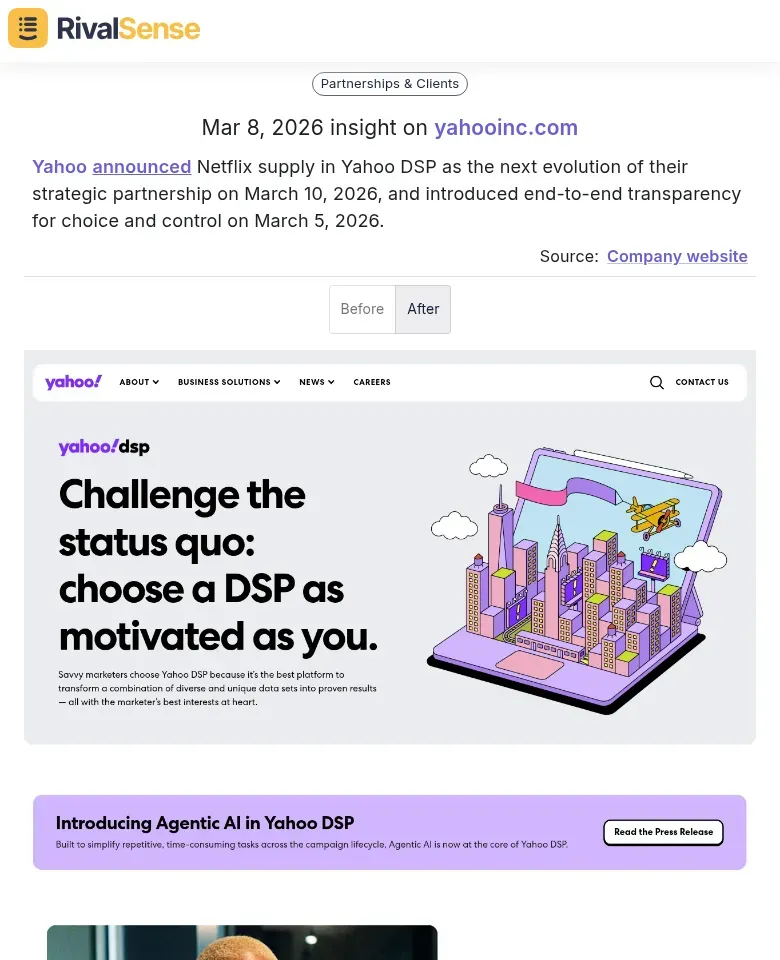
Monitoring partnership updates, such as Yahoo's announcement with Netflix and transparency features, can highlight competitive moves in technology and advertising. This helps you assess market dynamics and adjust your partnership or product development plans accordingly.
Example 3: Innovation and Collaboration Trends
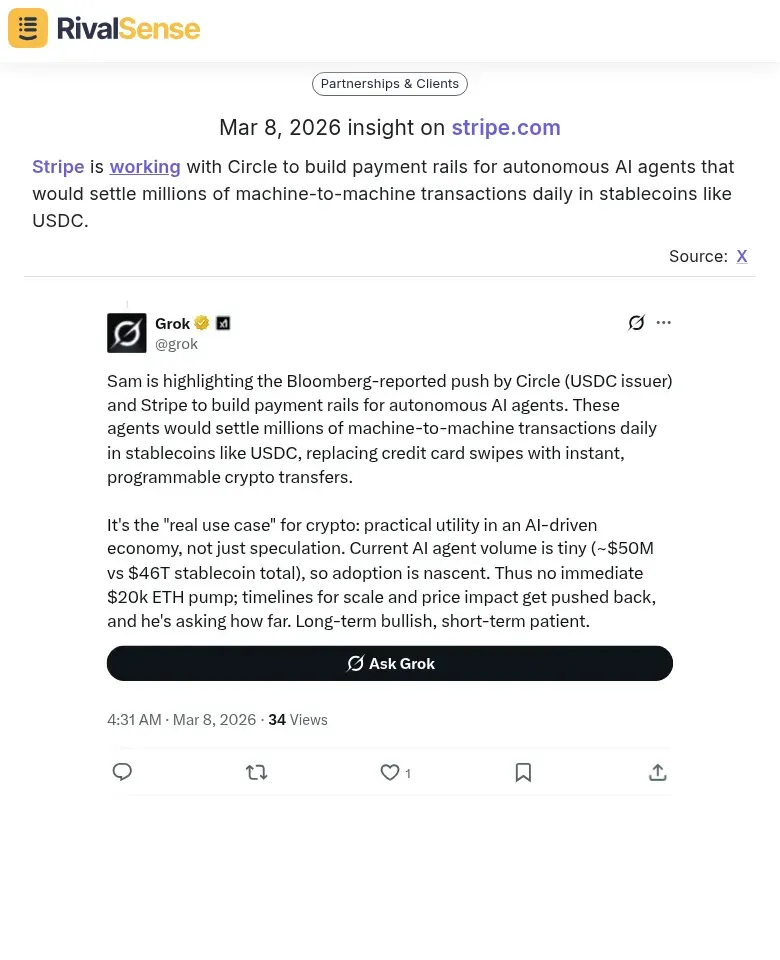
Observing collaborations like Stripe working with Circle on payment rails for AI agents reveals trends in fintech and automation. Such insights are crucial for predicting industry shifts and positioning your offerings to capitalize on emerging technologies.
Conclusion: Streamline Your Reporting for Competitive Advantage
Automating key account reporting is no longer a luxury but a necessity for custom software development firms aiming to stay competitive. By implementing these five strategies—data integration, customizable dashboards, automated workflows, AI analytics, and robust architecture—you can transform reporting from a time-consuming chore into a strategic asset. Adding competitor insights further enriches your decision-making, ensuring you're not just reacting to internal data but also to external market forces.
To assist with the challenges of tracking competitor moves and enhancing your reporting, try out RivalSense for free at https://rivalsense.co/. Get your first competitor report today and start leveraging real-time insights to inform your business strategy.
📚 Read more
👉 How RivalSense Enabled a Proactive Counter to Supliful's Branding Revolution
👉 LinkedIn Competitor Benchmarking: Transform Executive Moves into Product Insights
👉 Remote Work Software: Key Account Tracking Automation Trends 2026
👉 Solving Regulatory Compliance Gaps: How Competitor Insights Drive Proactive Account Management
👉 How to Decode Competitor Moves from Event Announcements: A DataDome Case Study