
Track Key Account Team Changes: Website Monitoring Workflow for Competitor Insights
In today's hyper-competitive B2B landscape, key account teams face a critical challenge: protecting high-value relationships while driving revenue growth. Traditional reactive monitoring leaves you vulnerable to competitor moves that can trigger client churn or missed expansion opportunities. Proactive competitor website monitoring transforms this dynamic by providing real-time visibility into competitor movements before they impact your most valuable accounts.
Strategic website tracking reveals critical signals: pricing changes that undercut your value proposition, new feature launches that address client pain points, regional expansions targeting your key markets, and leadership changes signaling strategic pivots. These insights enable you to anticipate client concerns, develop preemptive counter-strategies, and position your solutions as indispensable.
🛠️ PRACTICAL STEPS TO START:
- Set up automated alerts for 3-5 critical competitor websites using tools like RivalSense
- Create a weekly checklist to monitor pricing pages, messaging updates, and new case studies
- Map competitor moves against each key account's business priorities
- Develop proactive talking points addressing competitor weaknesses before clients raise concerns
By transitioning from reactive defense to proactive strategy, you can prevent churn by addressing concerns preemptively and identify expansion opportunities by spotting competitor gaps. When rivals launch new features, you're prepared to highlight your superior integrations. When competitors expand regionally, you can adapt your value proposition. This systematic approach ensures key accounts see you as a strategic partner rather than just another vendor.
Setting Up Your Website Monitoring Infrastructure
Start by identifying the critical website elements that signal strategic shifts. Monitor pricing pages for rate changes and packaging updates. Track messaging on homepage and key landing pages for positioning changes. Watch feature update sections and product pages for new capabilities. Most importantly, monitor leadership pages and team directories for key account team changes – these often precede major account movements.
Configure automated alerts using website monitoring tools. Set up daily or real-time notifications for specific page changes. Create separate alert rules for different page types: pricing alerts for finance teams, feature updates for product teams, and leadership changes for sales teams. Use visual change detection to capture subtle updates that text-based tools might miss.
Establish a weekly review cycle where your competitive intelligence team analyzes all alerts. Create a simple scoring system to prioritize changes: high priority for pricing and leadership changes, medium for messaging shifts, low for minor design updates. Integrate findings directly into your CRM by creating custom fields for competitor intelligence. Tag key accounts with relevant competitor changes to inform your sales team's outreach strategy. Set up automated workflows that notify account executives when their target accounts' competitor teams change.
Learning from Competitor Website Changes: Strategic Signal Analysis
Competitor website changes reveal strategic signals beyond surface-level updates. Here’s how to analyze them systematically to inform your business strategy and stay ahead of the competition.
1. Technology & Feature Analysis
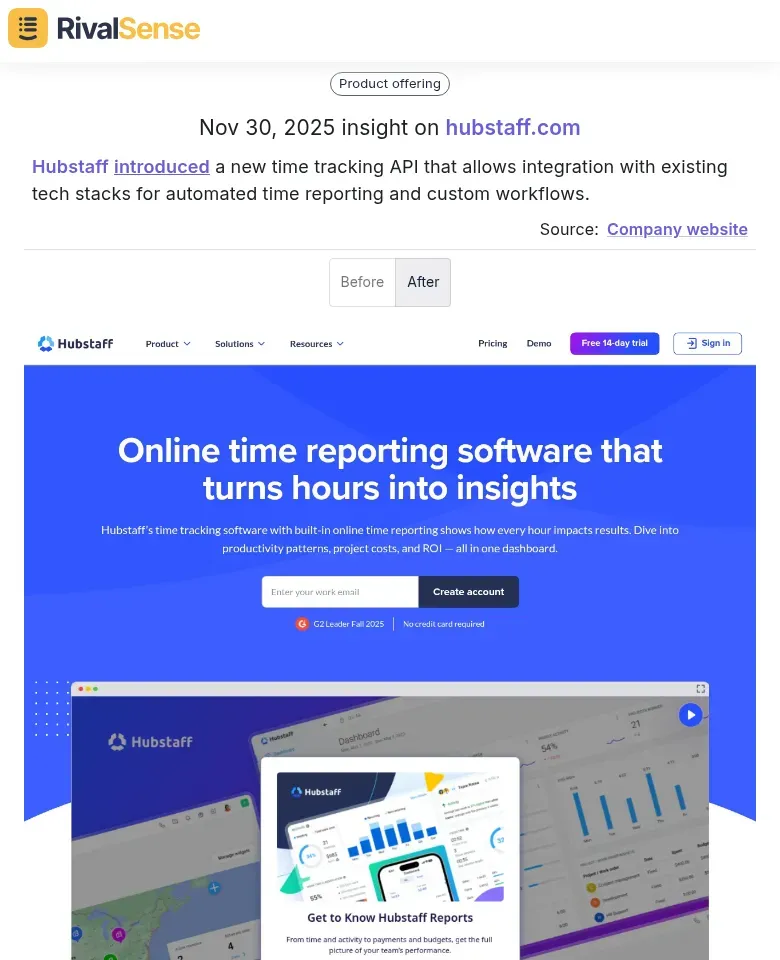
Monitor new integrations, API documentation, or tech stack updates. When a competitor adds significant capabilities, it signals market direction and helps you anticipate industry shifts. For example, when Hubstaff introduced a new time tracking API that allows integration with existing tech stacks for automated time reporting and custom workflows, it highlighted a push towards workflow automation. Tracking such technology launches is valuable for adjusting your product roadmap and highlighting your own integrations in client conversations.
2. Pricing & Promotion Intelligence
Create a pricing change log to note when competitors introduce tier changes, discount campaigns, or limited-time offers. A sudden price drop often precedes a product launch or market share push. For instance, Supliful launched Black Friday deals with up to 80% off on Branded Customer Support plans, including specific pricing tiers. Monitoring these promotional strategies alerts you to competitive pricing tactics, enabling you to plan counter-campaigns and retain price-sensitive clients.
3. Organizational Signal Tracking
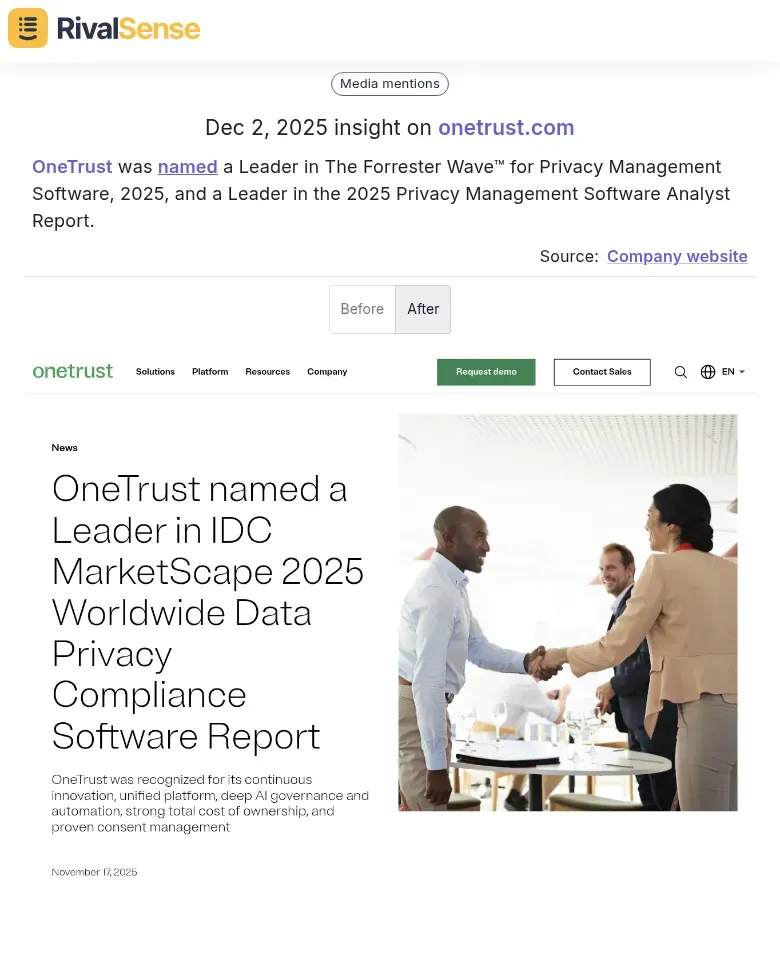
Leadership bios, team pages, and career sections reveal strategic pivots. New VP hires in specific departments indicate focus areas, while media mentions and analyst reports validate market position. For example, OneTrust was named a Leader in The Forrester Wave™ for Privacy Management Software, 2025, and a Leader in the 2025 Privacy Management Software Analyst Report. Tracking such recognitions is valuable for counterpositioning—you can highlight your own strengths or seek similar validations to bolster credibility with key accounts.
4. Media & Analyst Recognition
Beyond website changes, monitor external validations like awards, analyst reports, and press mentions. These insights provide context on competitor credibility and market trends, helping you refine your messaging and strategic priorities.
Practical Checklist:
- Weekly: Scan homepage, pricing, and product pages
- Monthly: Review team/career sections for hiring patterns
- Quarterly: Analyze technology adoption trends
- Always: Document changes with timestamps for pattern recognition
Pro Tip: Combine website monitoring with LinkedIn tracking. When a competitor's website shows new leadership while LinkedIn reveals team expansions in specific regions, you've identified a geographic expansion strategy before official announcements.
From Insights to Action: Translating Website Changes into Account Strategies
Transform website monitoring insights into strategic account actions with this 3-step framework. By systematically translating insights into actions, you can proactively defend and grow your key accounts, ensuring competitor moves don't catch you off guard.
1. Develop Targeted Counter-Strategies
When you detect messaging shifts on competitor websites, create a response matrix. For example, if a rival emphasizes "enterprise-grade security," develop counter-messaging highlighting your superior compliance certifications or faster implementation. Create a checklist: (a) Identify key messaging changes, (b) Map to your unique strengths, (c) Develop 3-4 counter-positioning statements, (d) Update sales enablement materials within 48 hours.
2. Create Preemptive Action Plans
Monitor competitor career pages for hiring patterns. If they're hiring multiple account executives in a new region, anticipate expansion and prepare your defense. Practical tip: Set up alerts for job postings containing "regional director," "expansion," or specific geographic locations. When detected, immediately review your account coverage in that area and prepare competitive battle cards addressing likely new competitor offerings.
3. Craft Proactive Client Conversations
Use competitor website weaknesses to initiate value-based discussions. For instance, if a competitor's pricing page lacks transparency or their case studies show implementation delays, prepare personalized talking points. Create a template: "I noticed [Competitor] recently [change/weakness]. At [Your Company], we address this by [your solution], which means you'll benefit from [specific outcome]." Schedule these conversations quarterly with key accounts to reinforce your differentiation.
Implement weekly review sessions where your team analyzes website changes and assigns specific account actions, ensuring insights translate directly into revenue protection and growth opportunities.
Workflow Implementation: Building Your Monitoring System
Implementing your monitoring system requires a structured approach. Start by mapping 3-5 key competitor websites, focusing on critical pages: pricing, leadership/team sections, product updates, and career pages. Use tools like RivalSense to automate tracking and set up real-time alerts for changes.
Create a shared intelligence dashboard accessible to your entire team. Include sections for: recent website changes, leadership updates, new hires, and strategic announcements. Integrate this dashboard with your CRM (like Salesforce) to link competitor insights directly to account records.
Establish clear accountability: assign team members to specific competitors and set weekly 15-minute review meetings. Use a simple checklist: 1) Review all alerts from the past week, 2) Update competitor profiles, 3) Identify potential impacts on key accounts, 4) Document action items. Schedule monthly strategic deep-dives to analyze patterns and adjust monitoring parameters.
Practical tip: Begin with a pilot program focusing on your top 2 competitors, then expand as your workflow matures. Set quarterly optimization cycles to refine your monitoring scope based on what intelligence proves most valuable for protecting key accounts.
Measuring Success and Optimizing Your Monitoring Framework
To ensure your competitor monitoring framework delivers tangible business impact, implement a systematic measurement and optimization process. Track core metrics that directly link monitoring activities to outcomes: win rates against monitored competitors (aim for 5-10% improvement), retention in competitive accounts (target 15-20% reduction in churn), and expansion revenue from accounts where competitor intelligence informed strategy.
Establish quarterly optimization cycles using this 4-step process:
- Measure: Review metric trends and competitor activity patterns
- Analyze: Identify gaps in coverage and prioritize high-impact areas
- Adjust: Refine monitoring scope, alert thresholds, and intelligence focus
- Validate: Test changes and measure impact on key metrics
Create structured feedback loops with sales teams through monthly 30-minute sessions. Use a simple scoring system (1-5 scale) to evaluate which intelligence was most valuable for deals. Prioritize monitoring based on this feedback—if sales consistently rate pricing intelligence as most useful, allocate more resources to tracking competitor pricing changes.
Practical Checklist for Quarterly Optimization:
- Review win/loss analysis against monitored competitors
- Assess retention rates in accounts with competitive threats
- Update competitor priority list based on market share shifts
- Adjust alert frequency based on sales team feedback
- Validate framework changes through A/B testing of intelligence delivery formats
Ready to Take Action?
Implementing proactive competitor website monitoring can seem daunting, but with the right tools, you can streamline the process and focus on strategic insights. Try RivalSense for free to get your first competitor report today. RivalSense tracks competitor product launches and updates, pricing changes, event participations, partnerships, regulatory aspects, management changes, and media mentions across company websites, social media, and various registries, delivering all in a weekly email report. Start turning competitor moves into your advantage now!
📚 Read more
👉 Beginner's Guide to Strategic Account Tracking in Music Streaming
👉 Competitor Partnership & Client Analysis Framework: Strategic Templates
👉 Leveraging Competitor Insights: OpenAI's Model Tests and Your Strategy
👉 The Ultimate Guide to Competitor Target Audience Analysis: 7 Steps to Uncover Hidden Opportunities
👉 Strategic Visioning Trends: How Dedicated Key Account Managers Drive Project Governance